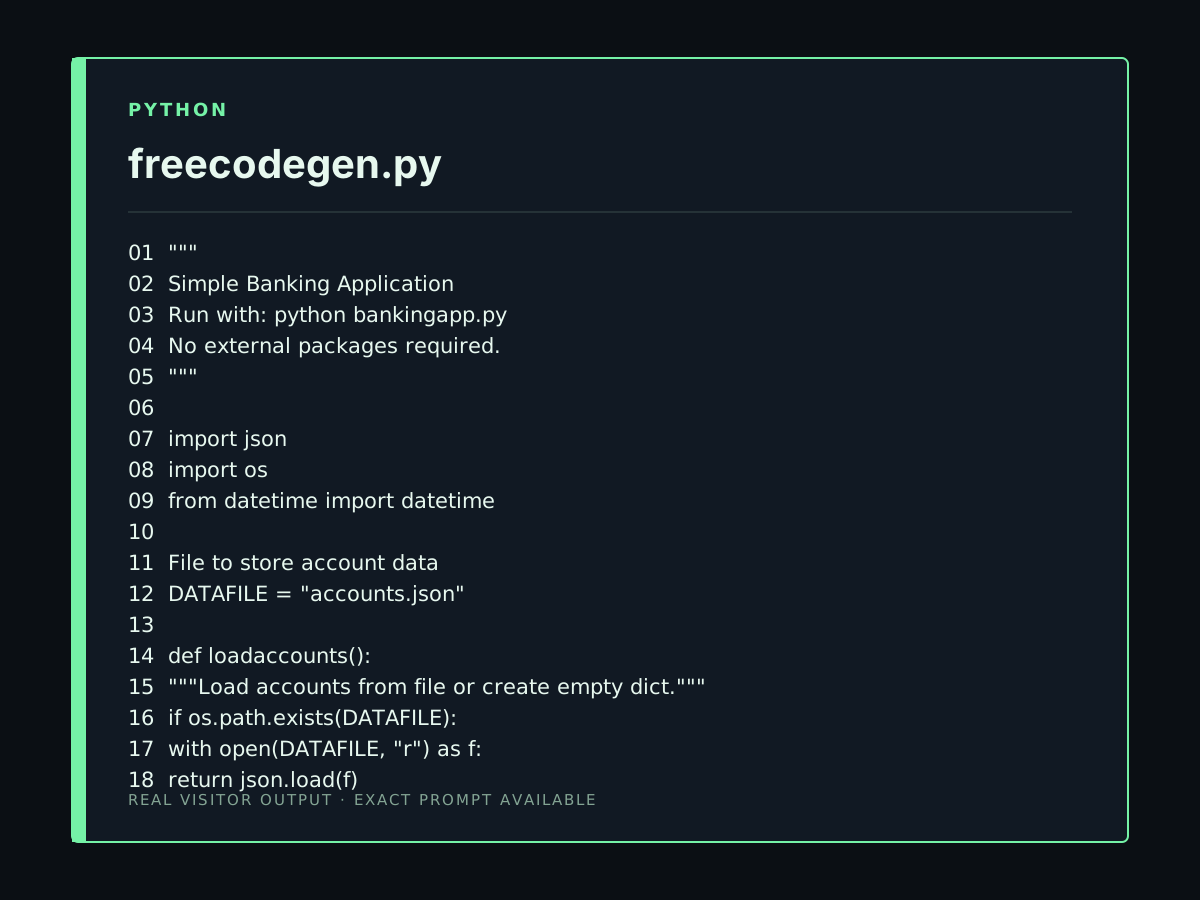
so create full funtional banking app
PUBLIC BUILD LOG · PROMPT TO CODE
Code Examples from Real Visitor Prompts
Browse eligible code outputs shared by FreeCodeGen visitors, study the exact requests, and adapt one in the original tool.
Browse 215 real creationsCOMMUNITY OUTPUTS · EXACT PROMPTS
All visitor creations
Showing 97–120 of 215. No stock examples or system defaults. Choose a tool, study a real result, then reopen its prompt as your starting point.
hi which model are you
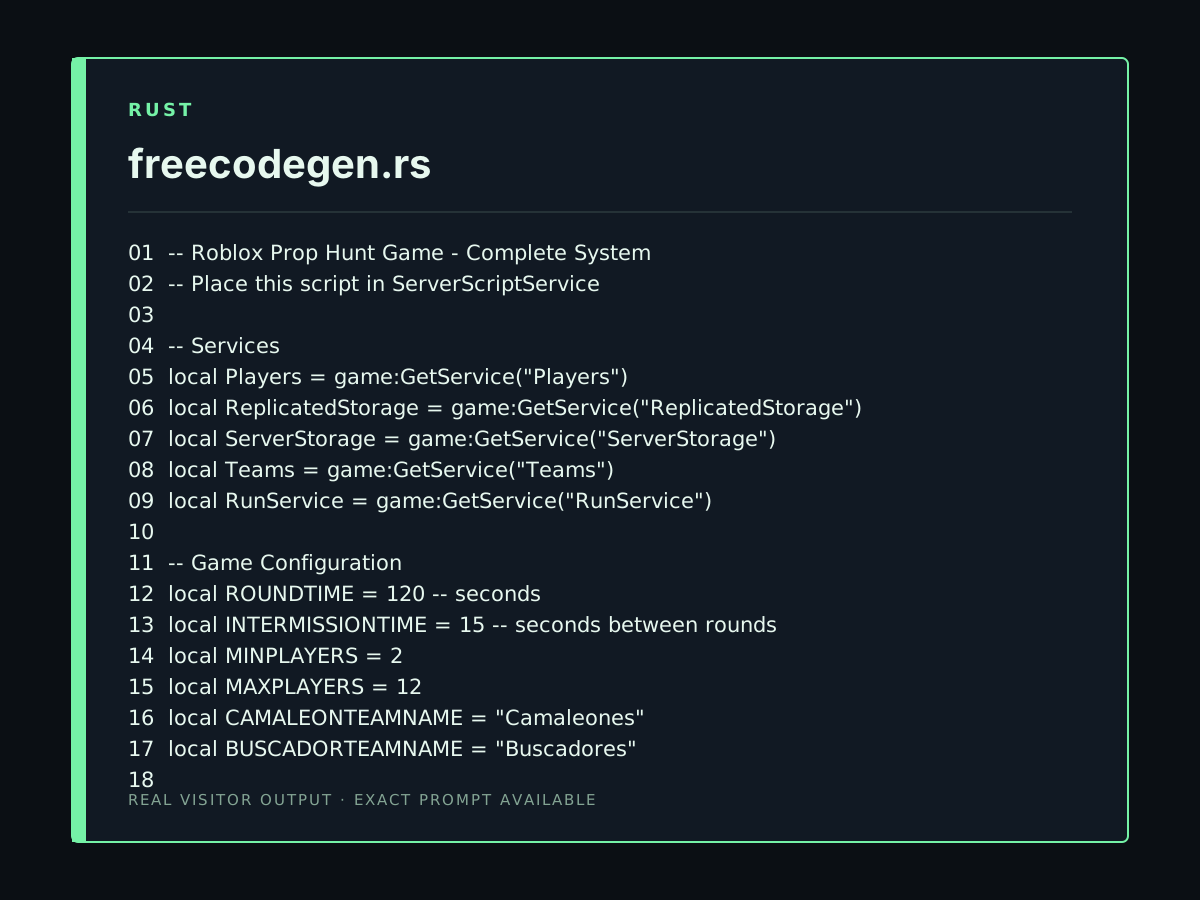
Crea un sistema de juego Roblox estilo Prop Hunt con dos equipos: Camaleones y Buscadores. Los Camaleones se disfrazan de objetos del mapa y los Buscadores deben encontrarlos. Incluye rondas, temporizador, equipos, puntuación y controles móviles. Usa Luau compatible con Roblox Studio Lite. Devuelve TODO en un único bloque de código. La cantidad de líneas de código tiene que superar 300 líneas
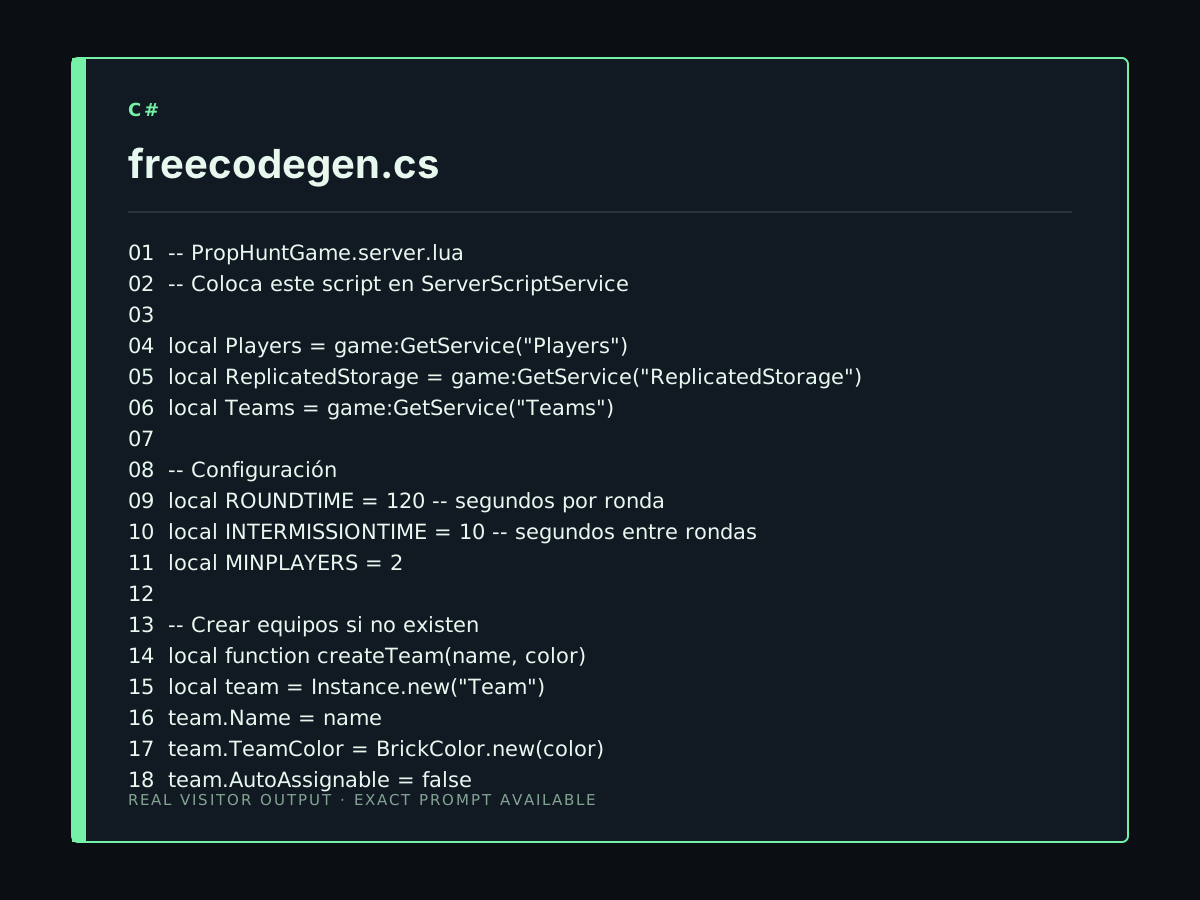
Crea un sistema de juego Roblox estilo Prop Hunt con dos equipos: Camaleones y Buscadores. Los Camaleones se disfrazan de objetos del mapa y los Buscadores deben encontrarlos. Incluye rondas, temporizador, equipos, puntuación y controles móviles. Usa Luau compatible con Roblox Studio Lite. Devuelve TODO en un único bloque de código.
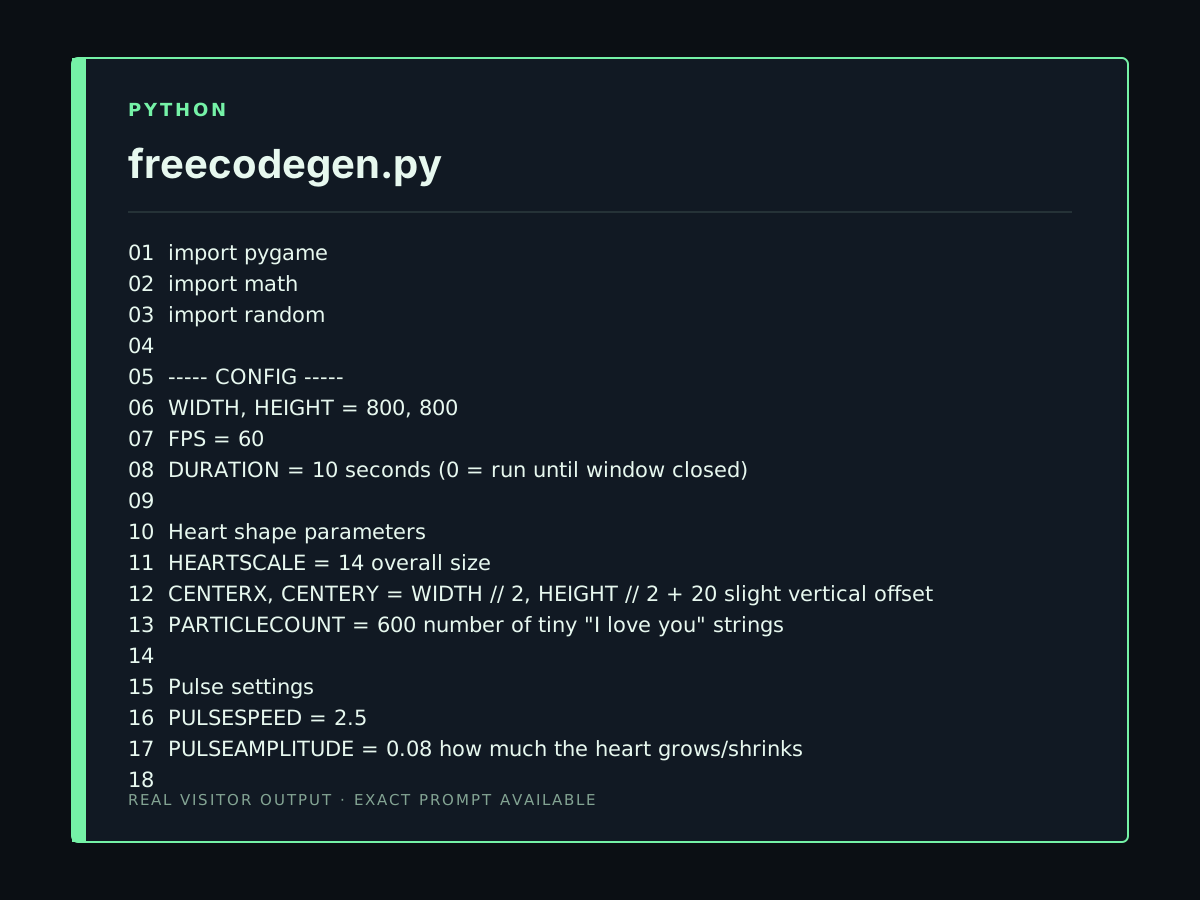
Create a Python animation that looks like the image I provided. Use a black background and build a large heart shape entirely from many tiny red/pink "I love you" text strings. The heart should slowly appear and pulse. Put a large white "Love you." text in the center. Make the heart smooth and visually dense, similar to a TikTok programming animation. Use Python and pygame, and make it run in VS Code.
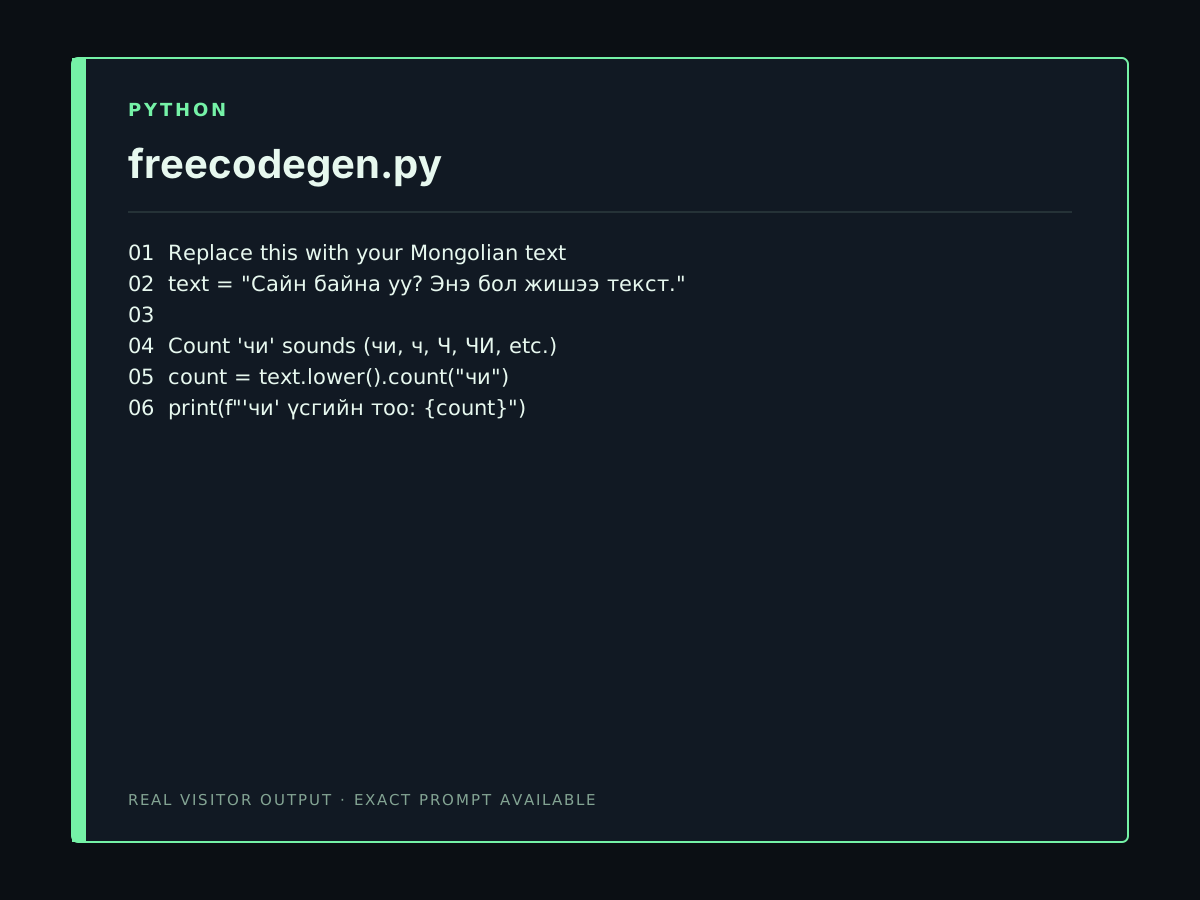
Chi mongol hl oilgodog u
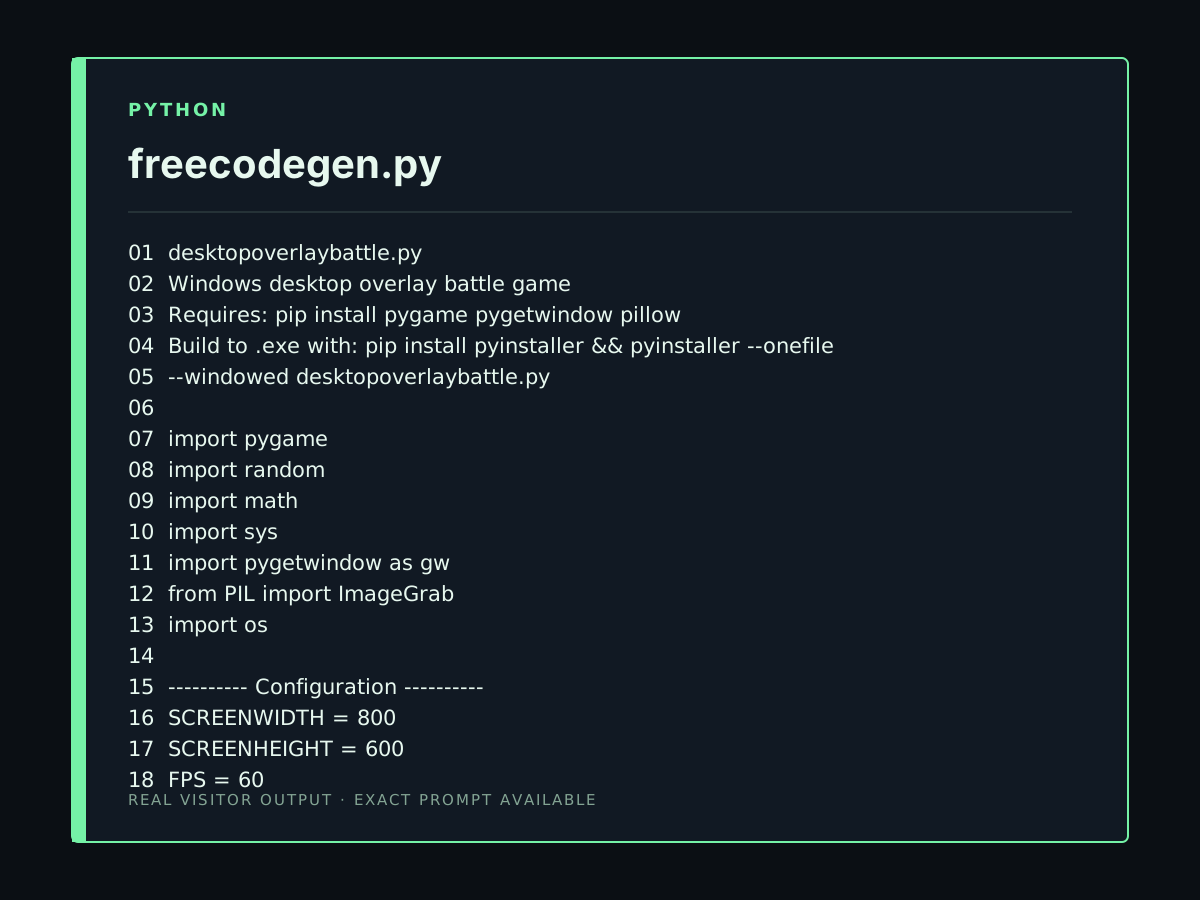
Create a Windows desktop overlay battle game. Characters and abilities: Green: Uses a fishing rod to grab, pull, throw, and swing from enemies. Red: Fast melee fighter with combos, punches, kicks, jumps, and powerful attacks. Blue: Uses potions: Speed, Strength, Healing, and Slow. Yellow: Uses a laptop to hack Windows, summon objects from the screen, and attack enemies. Purple: Uses an Elytra and Firework Rockets to fly, dash, and attack from the air. Orange: The King. Uses a magical Staff with energy blasts, lightning, shields, and powerful magic. Orange is the strongest character. Gameplay: * Characters fight automatically. * Transparent overlay above the Windows desktop. * Characters can walk, run, jump, fall, and collide with objects. * Characters can stand on Windows and jump between them. * Characters can interact with and push Windows when possible. * Add HP, damage, physics, AI, animations, cooldowns, and special abilities. * Add Start, Pause, Resume, and Restart buttons. * Allow choosing which characters participate. * Keep the characters and abilities customizable. * Create all required project files. * Make the project buildable into a Windows .EXE. * Test the project and fix errors before finishing.
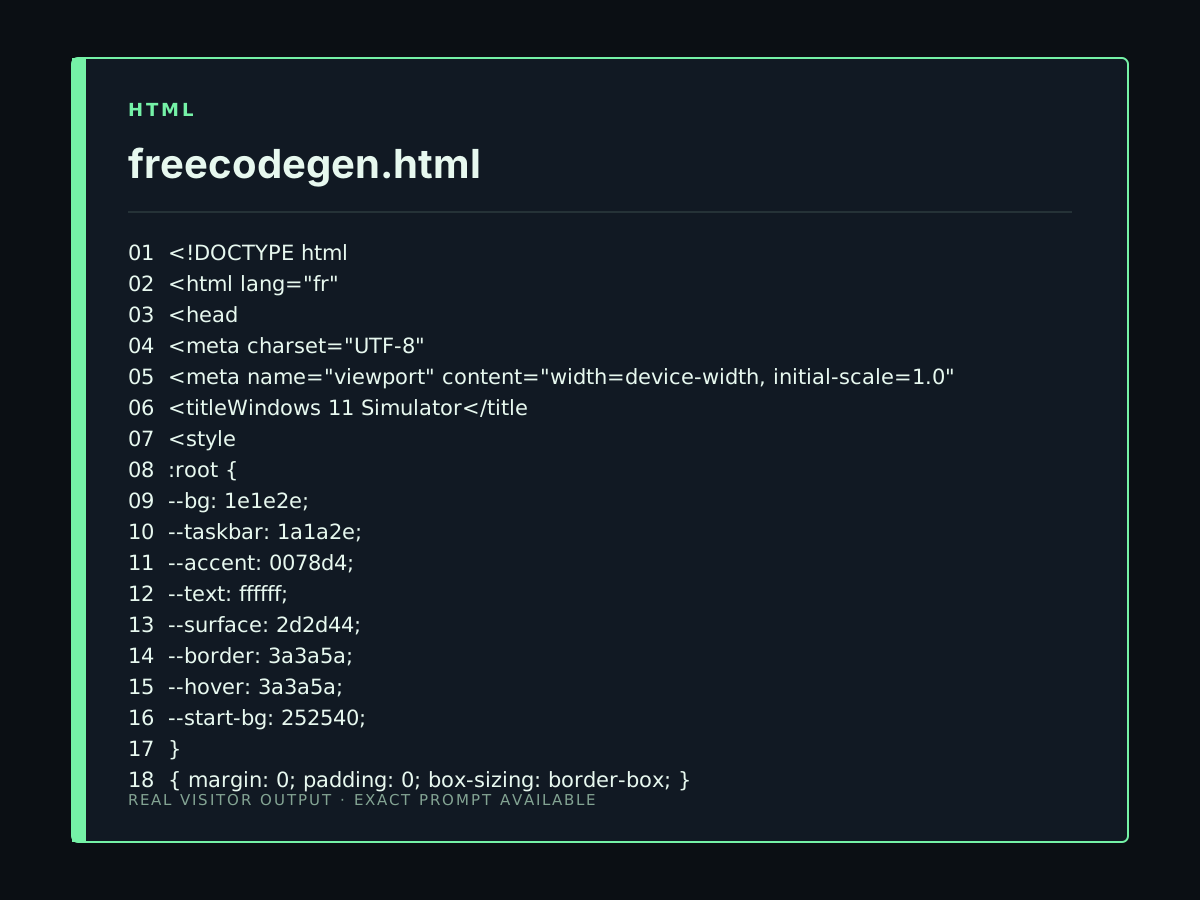
Crée un simulateur de Windows 11 dans le navigateur, entièrement interactif et réellement utilisable, et non une simple maquette visuelle : bureau, barre des tâches, menu Démarrer, Explorateur de fichiers, Paramètres, Terminal, applications essentielles, système complet de gestion des fenêtres, fichiers et dossiers, recherche, notifications, glisser-déposer et sauvegarde des données en local. Tous les boutons et toutes les fonctionnalités doivent fonctionner réellement. Utilise un code propre, structuré, performant et facilement extensible.
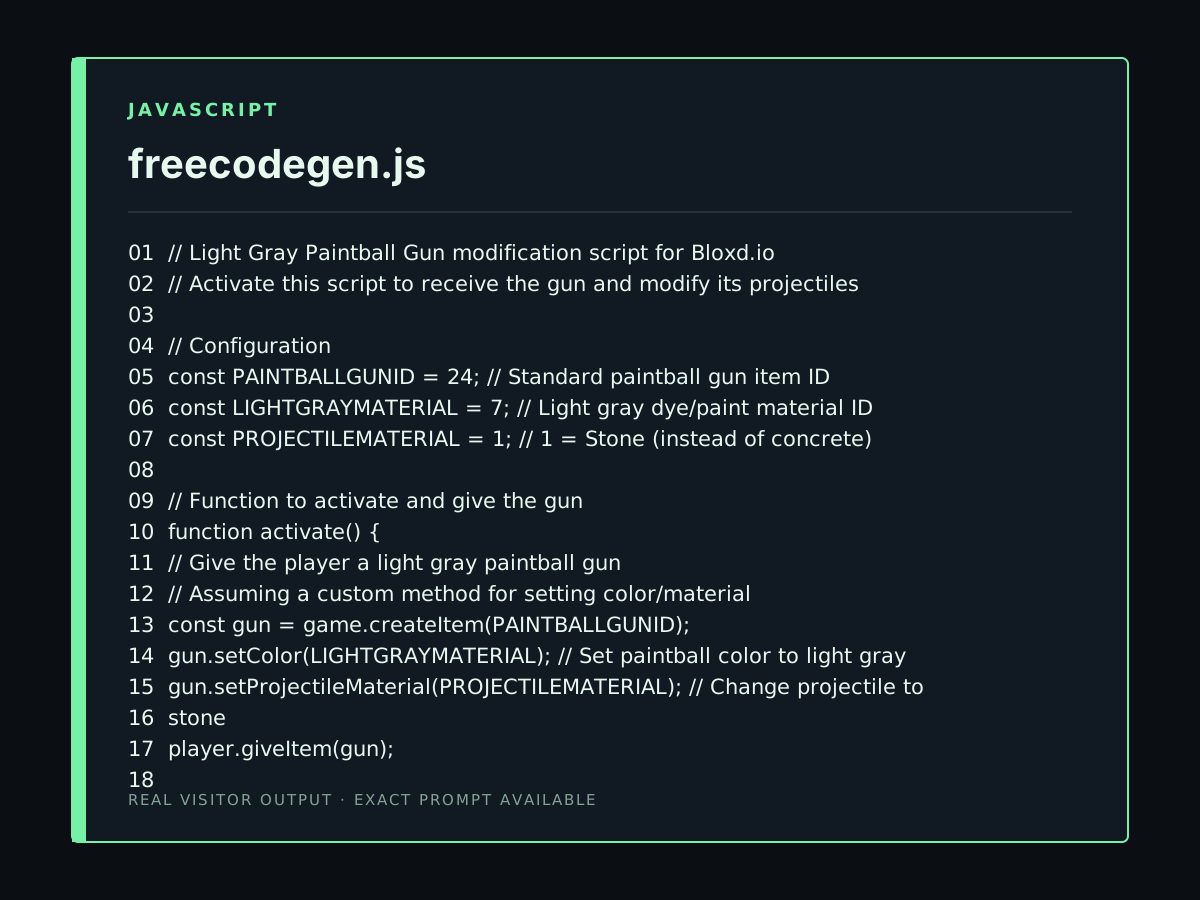
A Bloxdio code within a Code Block or World Code so that when I activate it, it gives me a light gray paintball gun. When I fire the light gray paintball gun, it's not concrete but stone. This is JavaScript I want a real code
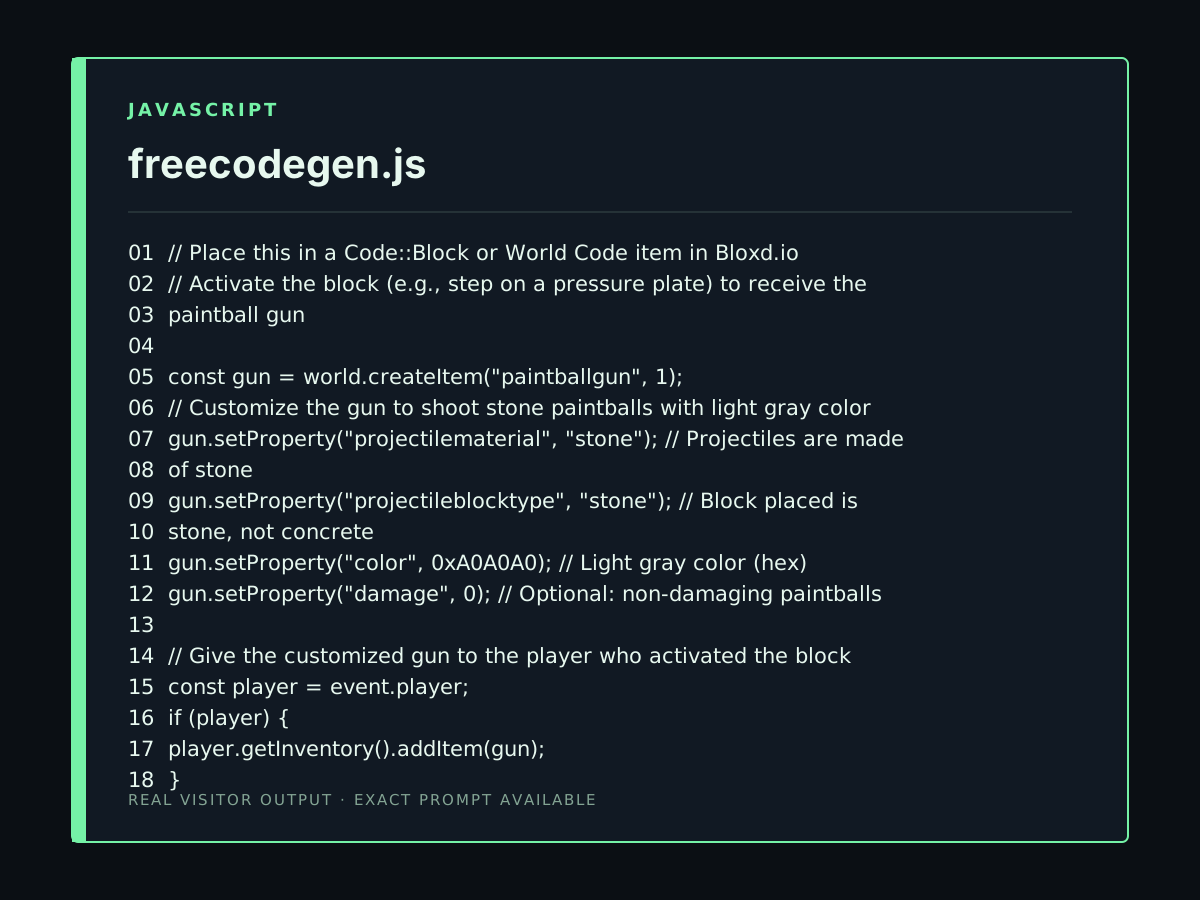
A Bloxdio code within a Code::Block or World Code so that when I activate it, it gives me a light gray paintball gun. When I fire the paintball gun, it's not concrete but stone. This is JavaScript I want a real code
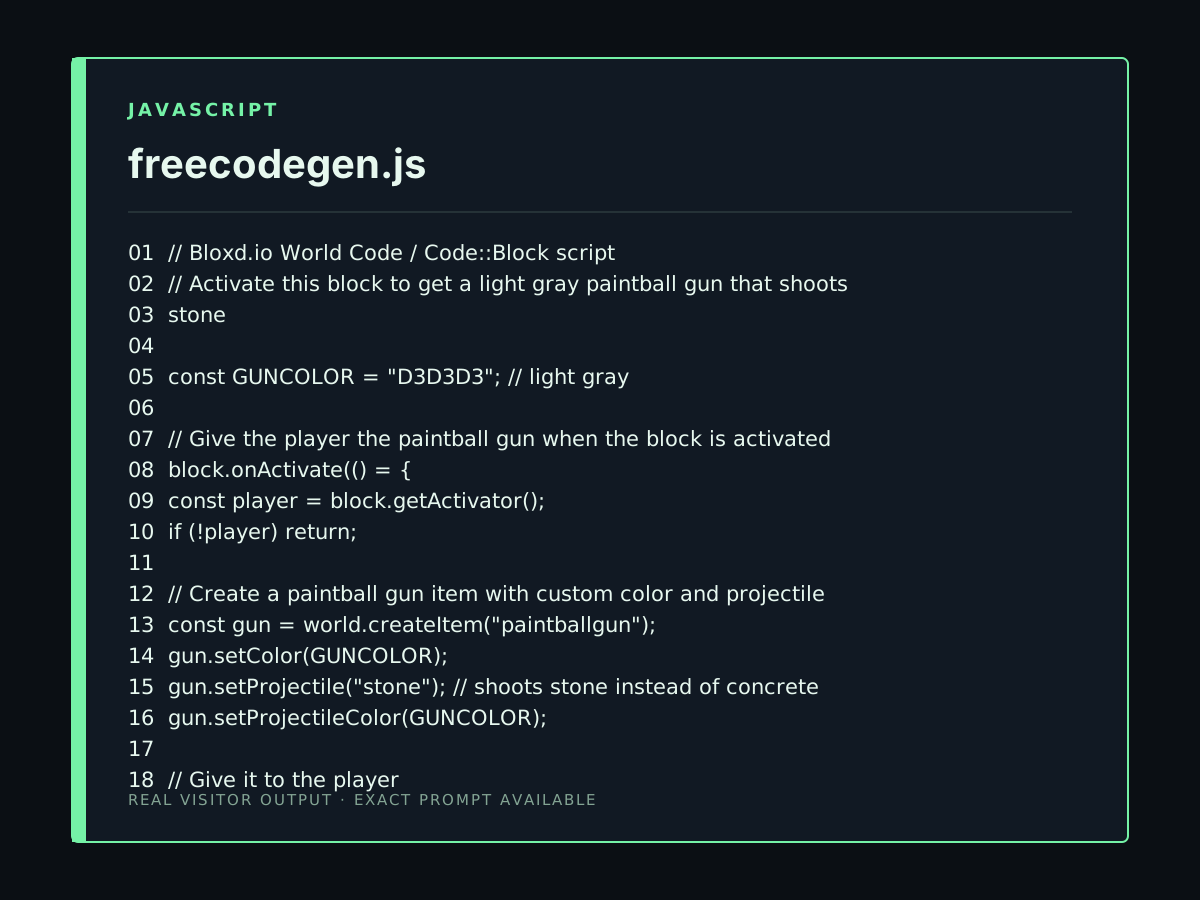
A Bloxdio code within a Code::Block or World Code so that when I activate it, it gives me a light gray paintball gun. When I fire the paintball gun, it's not concrete but stone. This is JavaScript
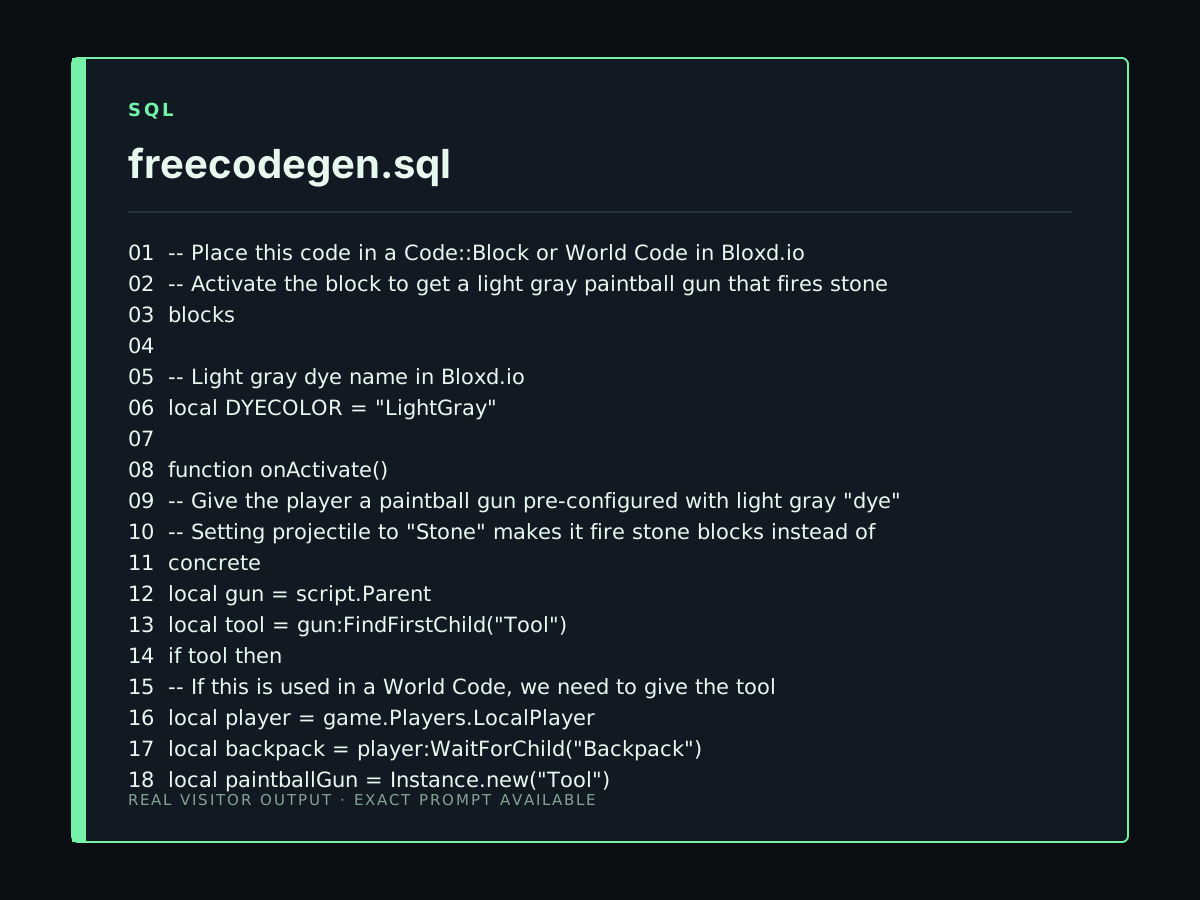
A Bloxdio code within a Code::Block or World Code so that when I activate it, it gives me a light gray paintball gun. When I fire the paintball gun, it's not concrete but stone.
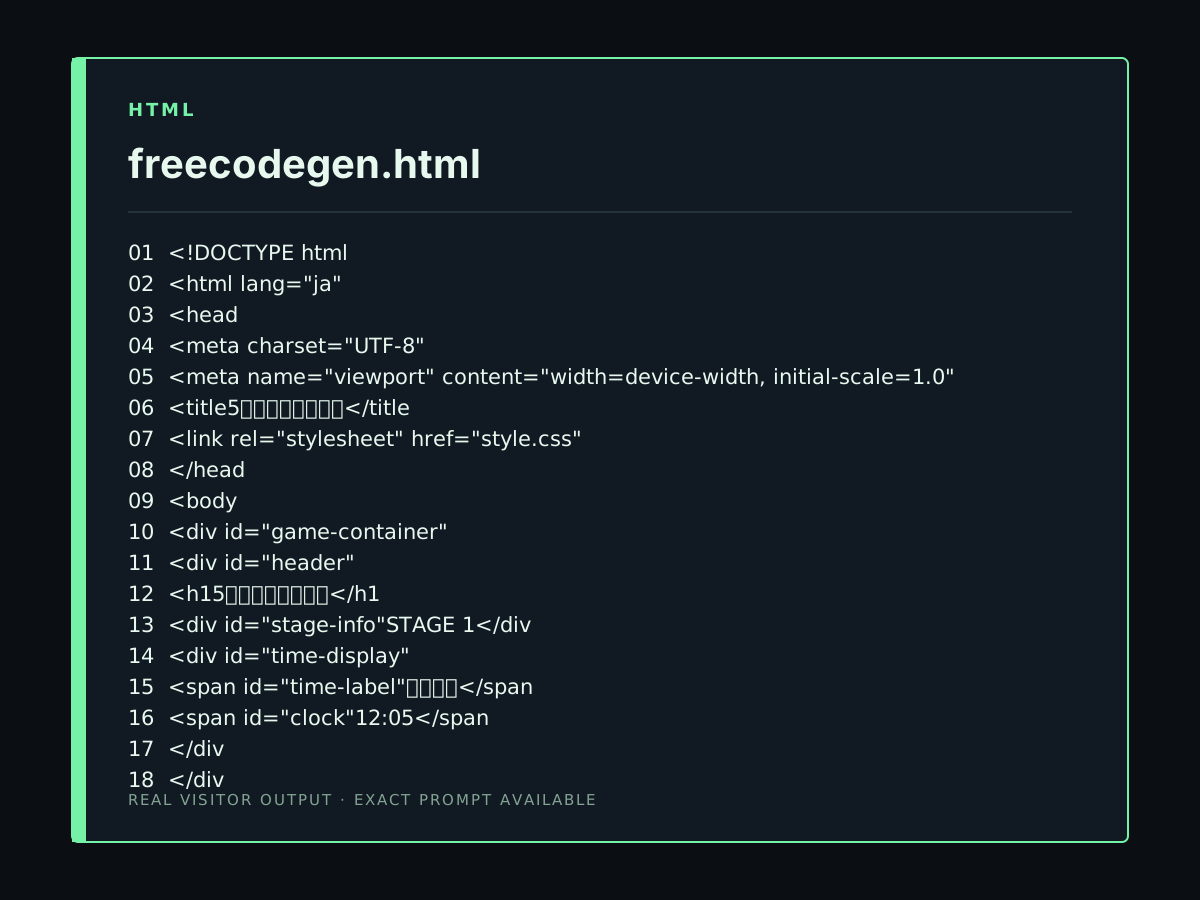
HTML・CSS・JavaScriptだけを使って、ブラウザで遊べる2Dゲーム「5分前に戻れる世界」を作ってください。 このゲームは、プレイヤーが「5分前に戻る能力」を使って、過去を変え、その結果として現在の世界を変化させて進むゲームです。 ## 最重要コンセプト このゲームの一番重要な仕組みは、 **「過去で何をしたかによって、現在の世界が変わる」** ことです。 単純に過去のマップへ移動するだけのゲームにはしないでください。 例えば、 現在: 箱が道をふさいでいる ↓ 5分前へ戻る ↓ 過去で箱を動かす ↓ 現在へ戻る ↓ 箱が移動している ↓ 道が通れる という仕組みにしてください。 ## 基本操作 PCで遊ぶゲームにしてください。 * WASDまたは矢印キー:移動 * E:調べる・NPCと話す * Space:アクション * T:5分前へ戻る * R:ステージをリスタート 画面上にも、 * 5分前に戻る * リスタート * ヒント のボタンを用意してください。 ## プレイヤー 2Dのプレイヤーキャラクターを作ってください。 CanvasまたはHTML/CSSで描画して構いません。 プレイヤーはマップの中を自由に移動できます。 壁や障害物をすり抜けないようにしてください。 ## 時間システム ゲーム内には、 **PRESENT(現在)** と **PAST(5分前)** の2つの状態があります。 画面上に、 現在時刻:12:05 または 過去時刻:12:00 のように表示してください。 「5分前に戻る」を押すと、現在から過去へ移動します。 過去で行動した後、もう一度時間を進めて現在へ戻れるようにしてください。 ## 時間移動演出 時間移動するときは、ただ画面を切り替えるだけにしないでください。 以下の演出を入れてください。 * 画面を暗くする * 時計を逆方向に動かす * 「TIME TRAVEL...」を表示 * 短いアニメーションを入れる ただし、演出は長すぎないようにしてください。 ## 過去の行動を保存 過去でプレイヤーが行った行動をJavaScriptで記録してください。 例えば、 * 箱を移動した * スイッチを押した * 木を植えた * ドアを開けた などです。 現在へ戻ったとき、その結果を現在のマップへ反映してください。 ## 最初のステージ STAGE 1を作ってください。 テーマ: **「動かせない箱」** 現在の世界では、道の真ん中に大きな箱があります。 現在では箱を動かせません。 NPCに話しかけると、 「この箱、5分前なら動かせたんだけどな……」 というヒントを出してください。 プレイヤーが5分前へ戻ると、箱を動かせるようにしてください。 箱を指定された場所へ移動すると、過去の変更が保存されます。 現在へ戻ると、箱が移動した状態になり、道が通れるようになります。 その先にゴールを配置してください。 ## UI 画面には、 * ゲームタイトル * STAGE 1 * 現在 / 過去 * 時刻 * 5分前に戻るボタン * ヒントボタン * リスタートボタン を表示してください。 ## グラフィック 2Dゲームらしい見た目にしてください。 最低限、 * プレイヤー * NPC * 道 * 建物 * 木 * 箱 * ゴール を描画してください。 単純な白い画面に四角形を置くだけではなく、背景や枠線、影、簡単なアニメーションなどを使って見栄えを良くしてください。 ## 技術条件 ログイン不要、サーバー不要で動作するゲームにしてください。 外部APIやAPIキーは使用しないでください。 外部ライブラリにも依存しないでください。 以下の3ファイルだけで動作する構成にしてください。 * index.html * style.css * script.js VS Code Webでファイルを作成してブラウザで開けば動作するようにしてください。 まずはこの指示の内容を完成させてください。 **まだSTAGE 2以降は作らなくて構いません。**
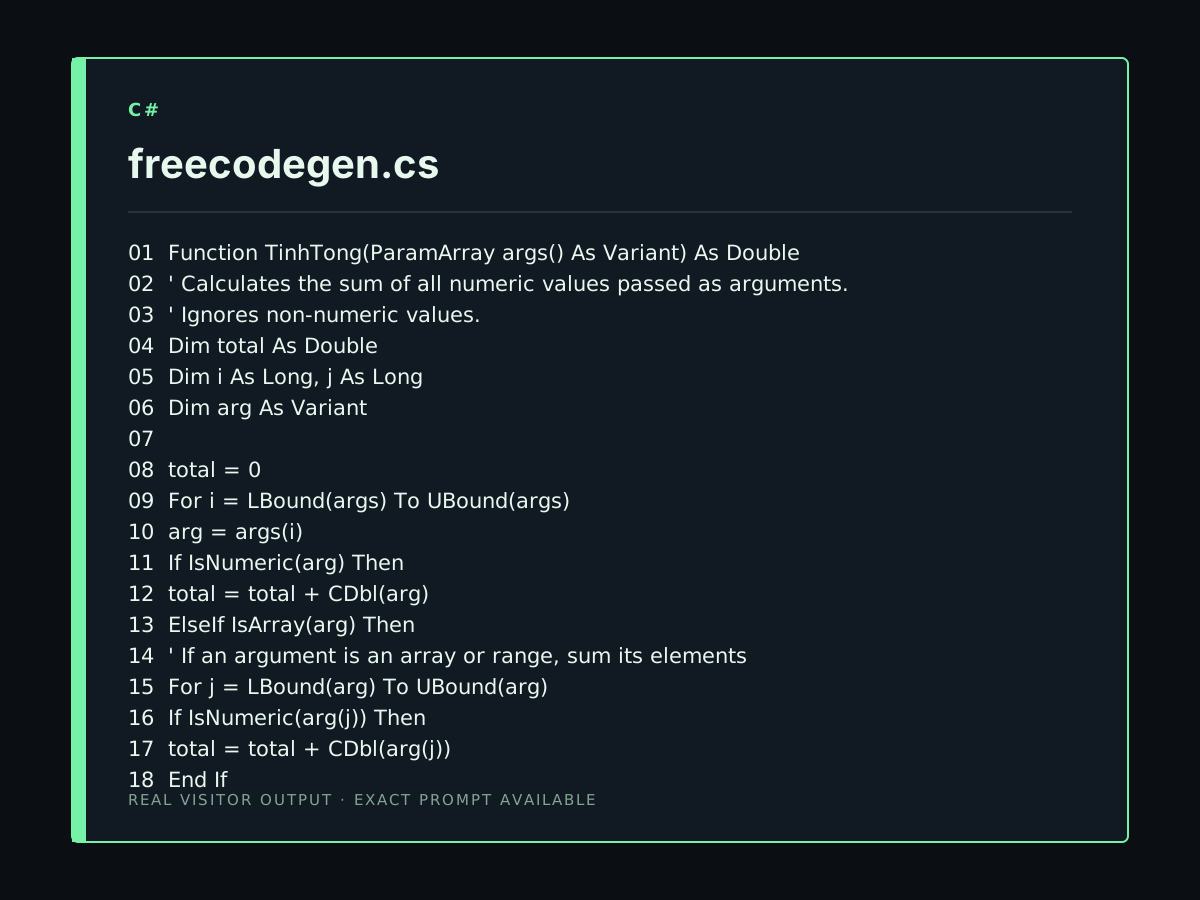
viêt code vba tinh tổng
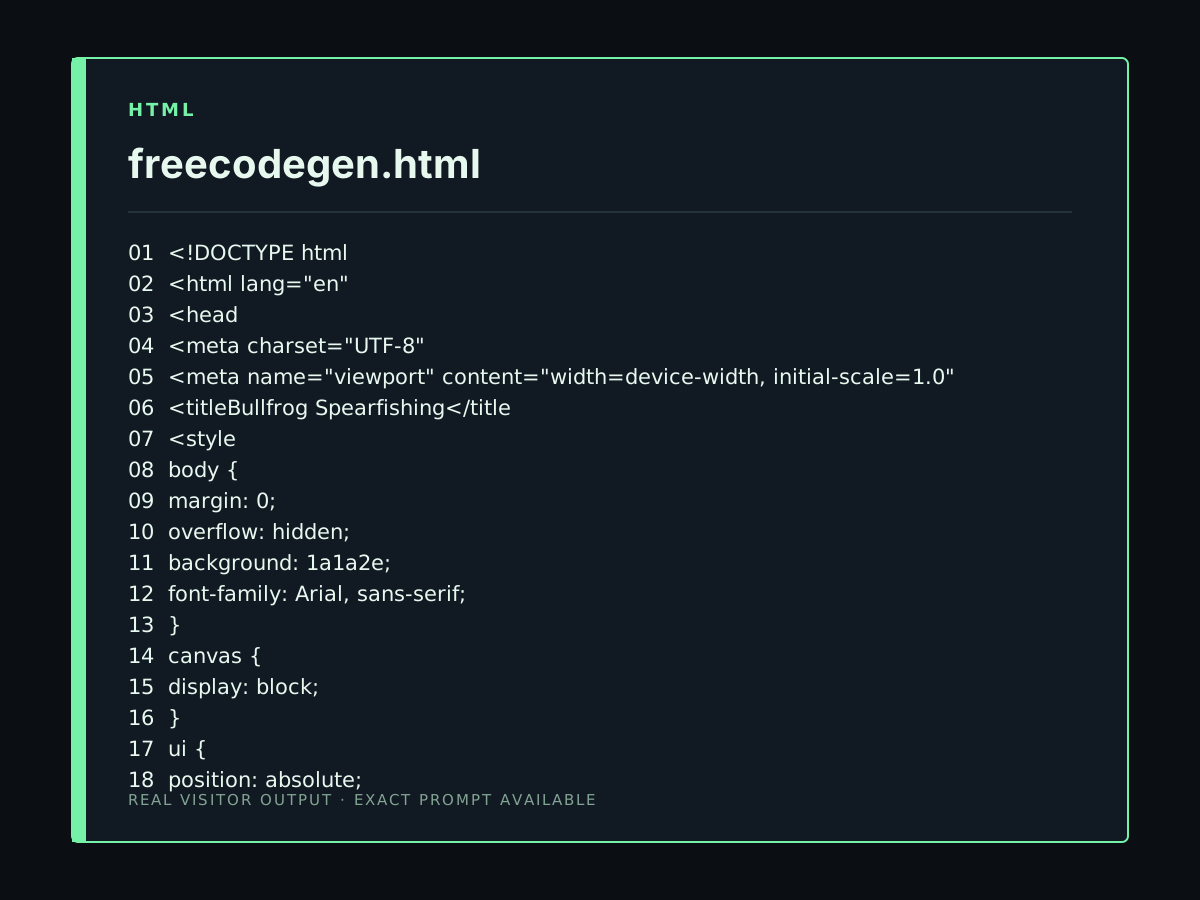
make a bullfrog spearfishing game with the best graphics youve ever seen
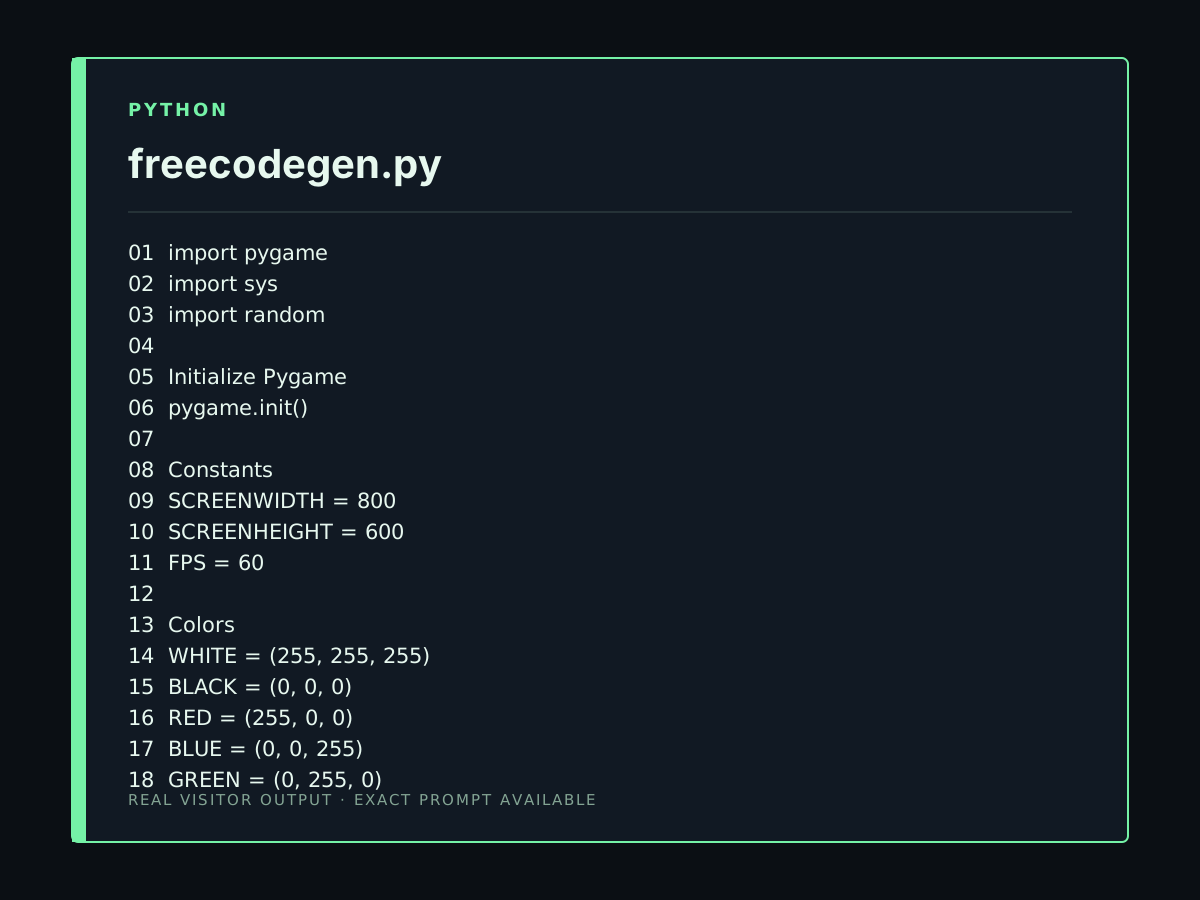
create an simple pygame whic has 2 heros chatplayz and kingplayz you are kingplayz and chatplayz helps you and there is 1 villion named -man the war happens in an robotic backgrount everything can move name the game war of playz
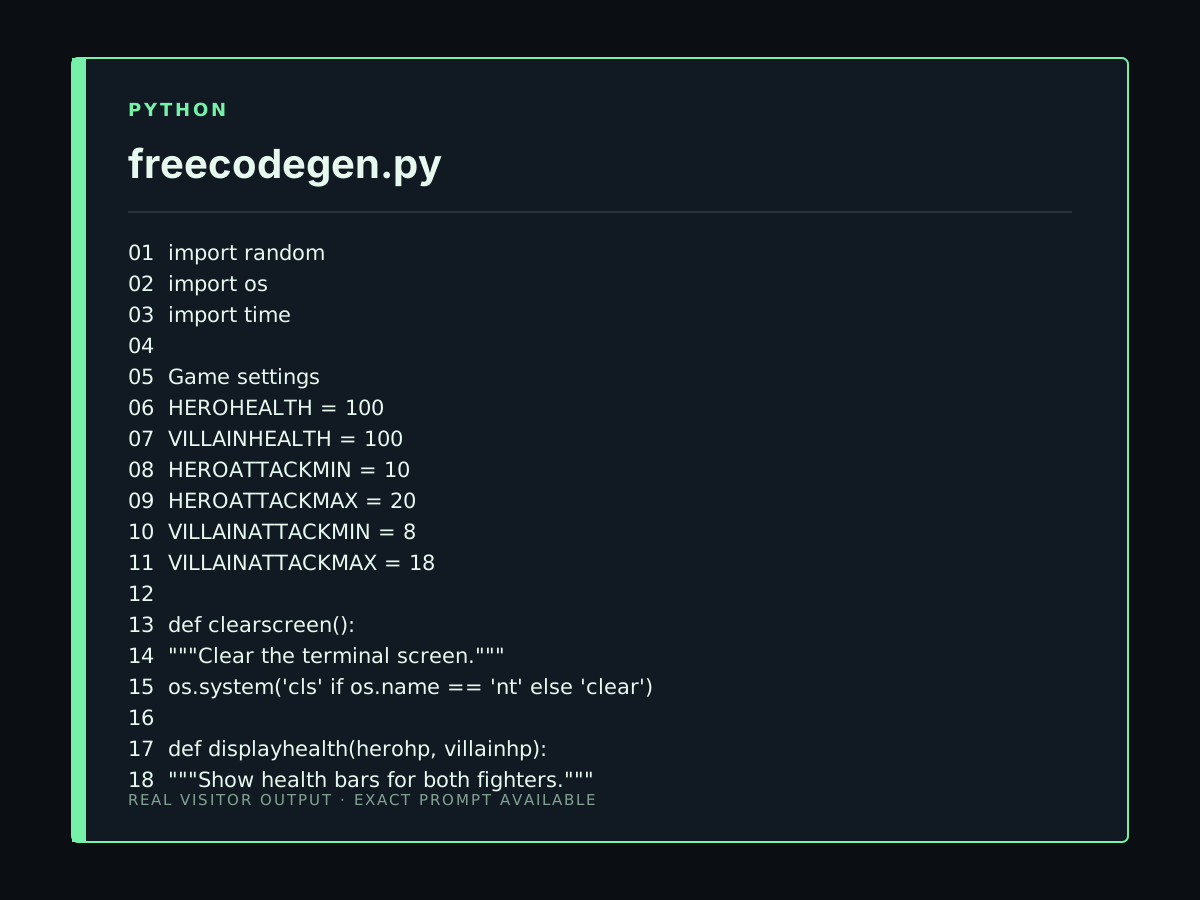
create an simple python game with 2d 1 vilan 2 hero and fight
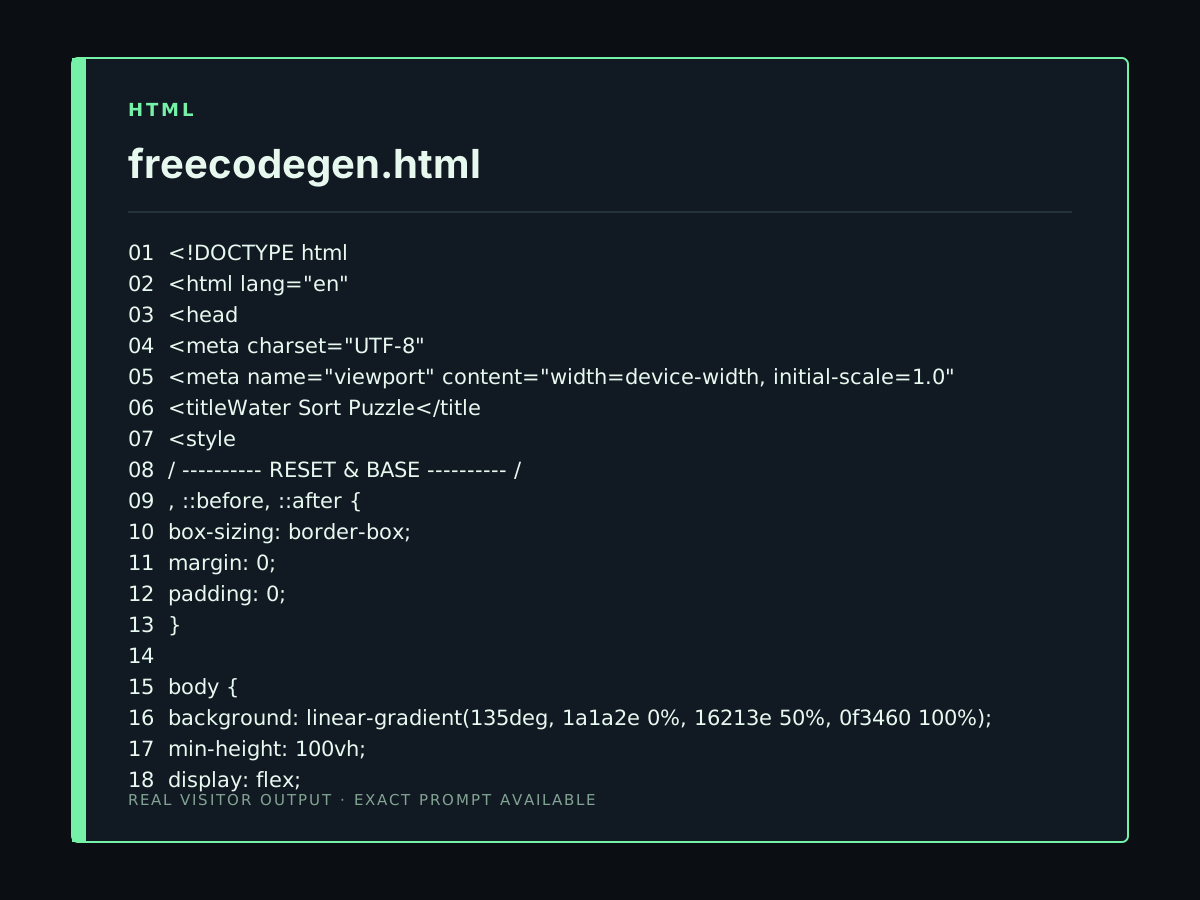
Act as an expert Web Game Developer. I want to build a fully polished "Water Sort Puzzle" game with custom animations and an "Add Extra Tube" feature. To avoid text cut-off or output limit errors, please build this in 2 SEPARATE PARTS. Do NOT provide all code at once. --- PART 1: COMPLETE HTML & HIGH-END CSS --- Provide the full HTML structure along with all CSS styling embedded inside <style> tags. Key Design & Visual Features to Include in CSS: 1. GLASS TUBE & TILT ANIMATION: - Modern transparent glass tubes with highlights, light border, and smooth rounded bottom. - CSS animations (@keyframes) for lifting selected tubes (translateY) and tilting source tube when pouring into target tube. 2. SEAMLESS LIQUID SHAPE: - Liquid segments stacked seamlessly without rectangular block gaps (continuous fluid inside glass tube). - Bottom liquid layer curved to fit the tube bottom (border-radius: 0 0 25px 25px). - Vibrant neon gradient colors (Red, Blue, Green, Yellow, etc.). 3. UI CONTROLS & ADD TUBE BUTTON: - Top Bar / Controls with ↩ Undo, 🔄 Reset, and ➕ Add Tube buttons. - Styled Victory Modal pop-up for level completion. Please generate ONLY PART 1 (HTML + CSS) right now and end with: "Part 1 complete! Type 'NEXT' for JavaScript logic."
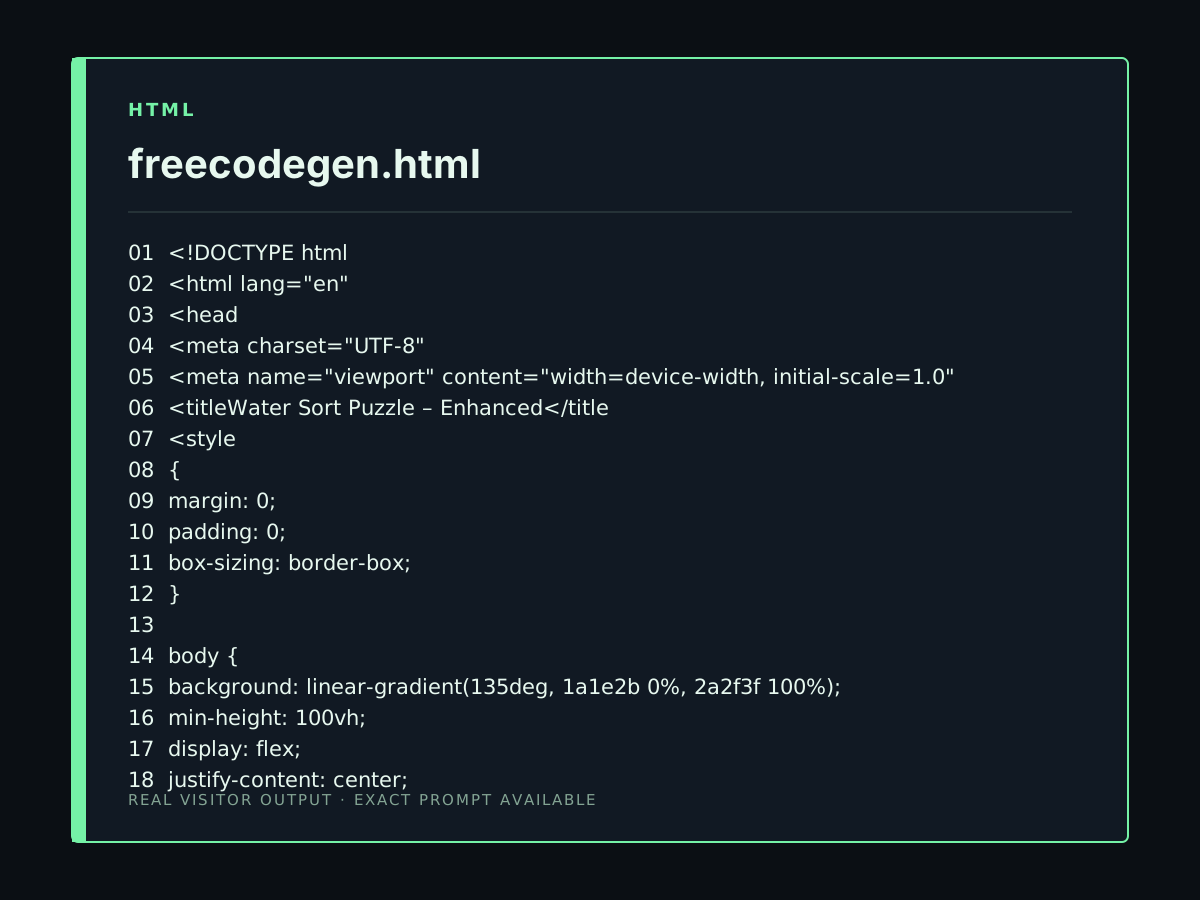
Act as an expert Web Game UI/UX Developer. Enhance the existing working Water Sort Puzzle game code to fix styling and pouring animations without breaking game logic. APPLY THESE SPECIFIC UI & ANIMATION IMPROVEMENTS: 1. GLASS CONTAINER TILT & POUR ANIMATION: - When a tube pours into another, create a smooth 0.4s CSS animation where the source tube translates (moves) towards the target tube and tilts (rotates by 45 to 60 degrees). - Add a subtle CSS transform: translateY(-15px) when a tube is selected. 2. LIQUID SEAMLESS SHAPE (NO BLOCKS): - Remove the rectangular gap/margins between liquid blocks inside the tube. - Stack liquid units seamlessly so they look like continuous liquid inside a glass tube. - Give the bottom liquid layer rounded bottom corners matching the test tube's bottom radius (border-radius: 0 0 15px 15px). 3. GLASS TUBE VISUALS: - Give test tubes realistic glass styling: transparent background with subtle glass highlight/reflection, thin light border, and smooth rounded bottom. - Use vibrant neon liquid gradients for colors (Red, Blue, Green, Yellow). 4. PERFORMANCE & CODE SAFETY: - Keep JavaScript clean and lightweight to prevent freezing or crashes. - Return the complete updated code (HTML, CSS, JS) inside a single block.
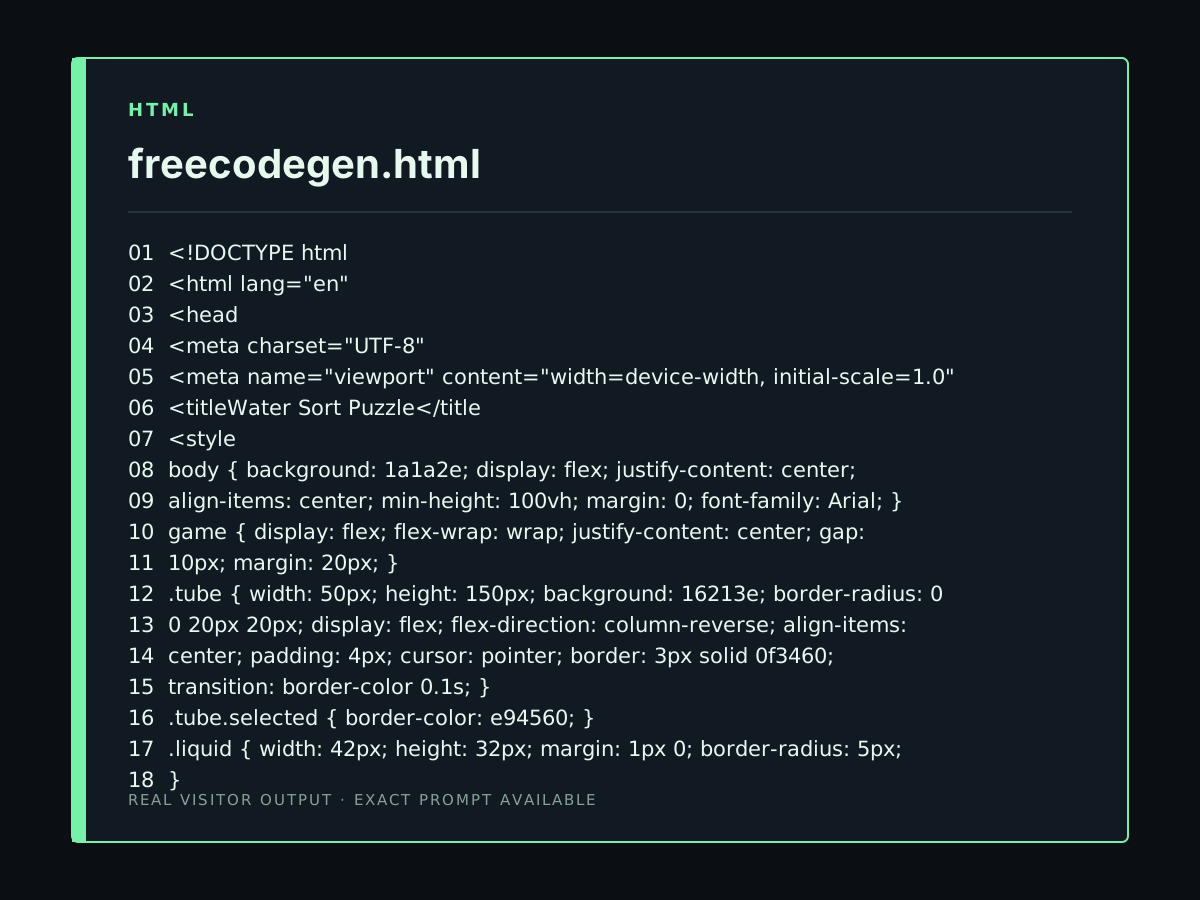
Act as a Web Game Developer. Generate a lightweight, minimal Water Sort Puzzle game in HTML. CRITICAL RULES TO PREVENT CRASHES & TIMEOUTS: 1. CODE SIZE: Keep CSS and JS ultra-compact and short (under 150 lines total). No external libraries. 2. DOM SETUP: Render 6 tubes (4 filled with 4 colored blocks, 2 empty). Use simple <div> blocks for liquid colors. 3. POUR LOGIC: - Click Tube A to select. Click Tube B to move the top color block if Tube B is empty or matches the top color. 4. UI & CONTROLS: Dark theme UI, clear Reset button, Undo button, and a simple alert/modal when all tubes are sorted. 5. PERFORMANCE: Avoid inline loops, avoid complex CSS filters (no blur/backdrop-filter), and write plain fast Vanilla JavaScript.
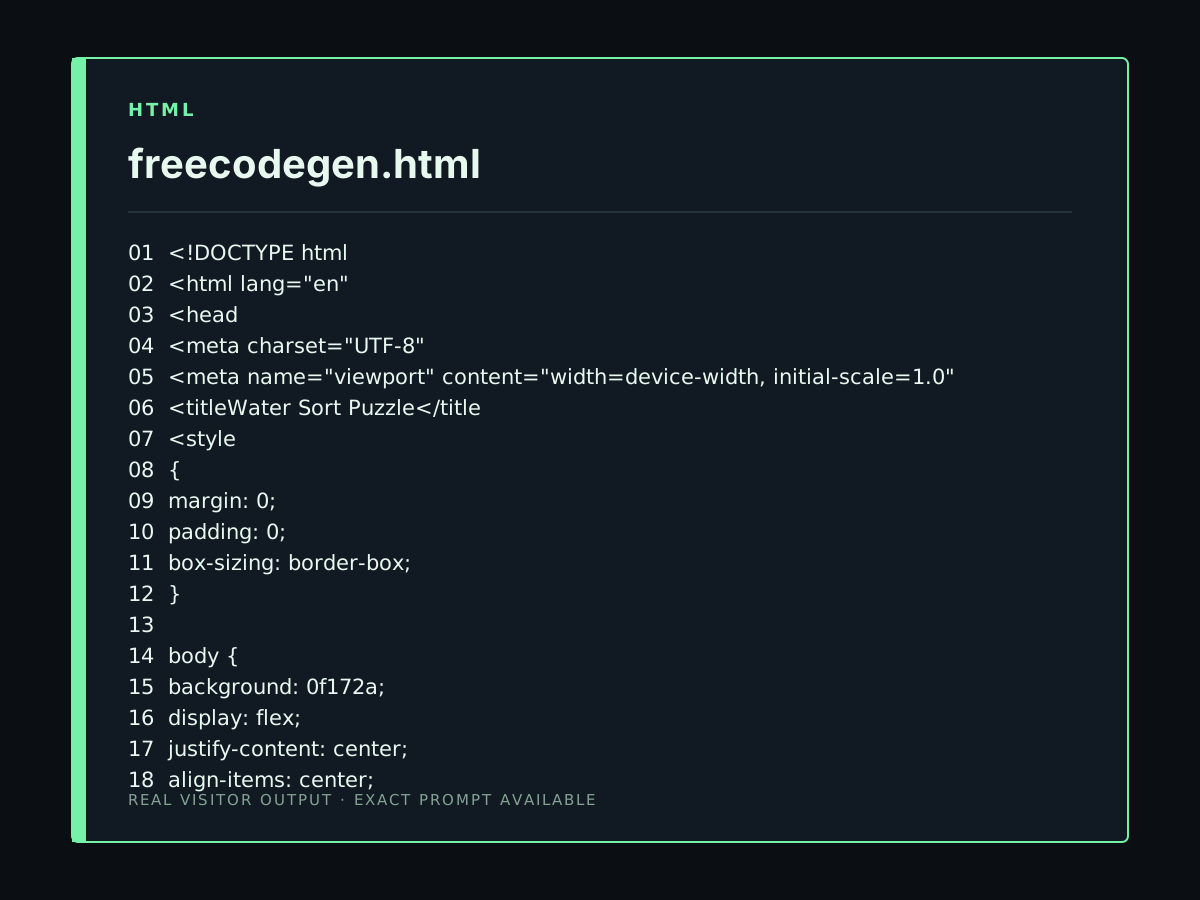
Act as an expert Senior Game Developer. Generate a complete, fully playable, and error-free "Water Sort Puzzle" (Water Sort Master) web game using HTML, CSS, and JavaScript. Follow these strict design and game rules: 1. ARCHITECTURE & ERROR PREVENTION: - Provide the complete code in 3 structured phases or a single clean block to avoid "Try Again" / generation limits. - Do NOT use external images, libraries, or external scripts. Everything must be self-contained in Vanilla JS and Pure CSS. 2. GAME MECHANICS & LOGIC: - Grid Layout: Display 4 to 6 vertical test tubes with smooth glassmorphism styling. - Liquids: 4 Tubes filled with 4 segments of mixed random neon colors (Red, Blue, Green, Yellow). Include 2 completely empty tubes for sorting space. - Pour Rules: a. Clicking a tube selects and elevates it slightly. b. Clicking a target tube pours liquid ONLY if the target tube is empty OR its top color matches the source tube's top color and target has room (max 4 units). c. Automatically pour all matching continuous top color blocks into the target tube until full or source is empty. - Undo Feature: Track move history and allow endless 'Undo' functionality. - Win Detection: Check after every move if all tubes contain either 4 units of a single matching color or are totally empty. Show a "Level Completed!" victory modal with a "Next Level" button upon winning. 3. UI / DESIGN SYSTEM: - Theme: Premium Dark Mode (#0f172a background) with neon glowing liquid units. - Animations: Smooth fluid transitions for pouring liquids and lifting selected tubes. - Responsive Layout: Perfectly centered and optimized for mobile screens as well as desktop browsers.
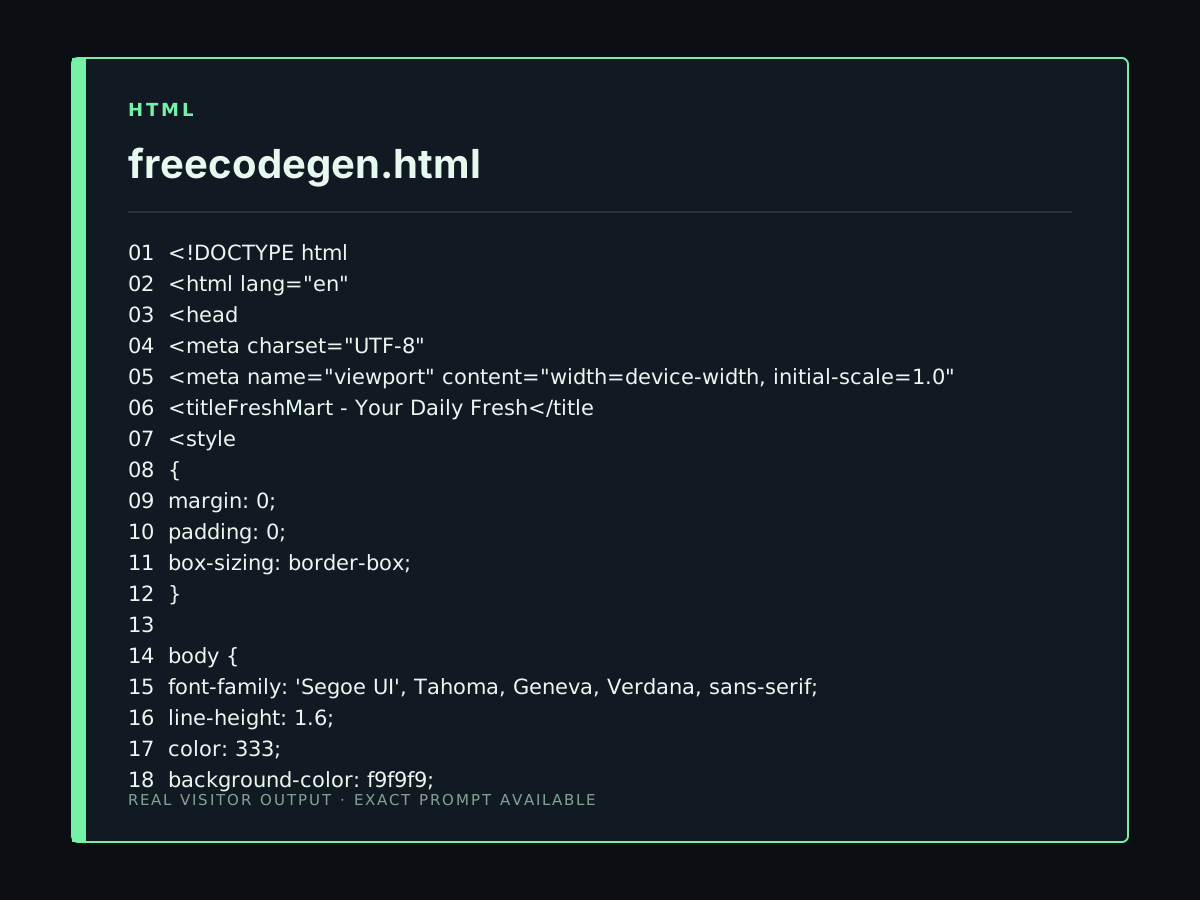
make beautiful landing page for a supermarket. featureful. fully simulated and working
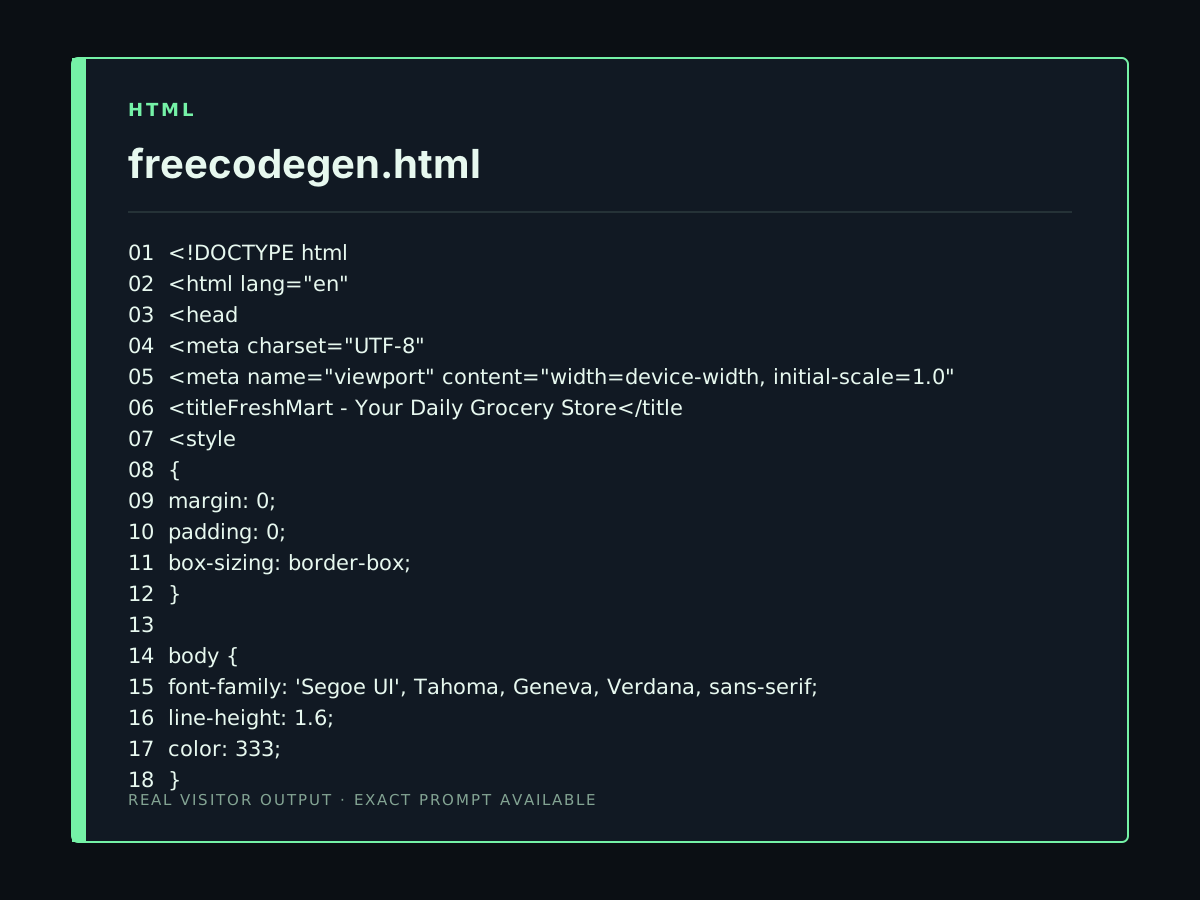
make beautiful landing page for a supermarket
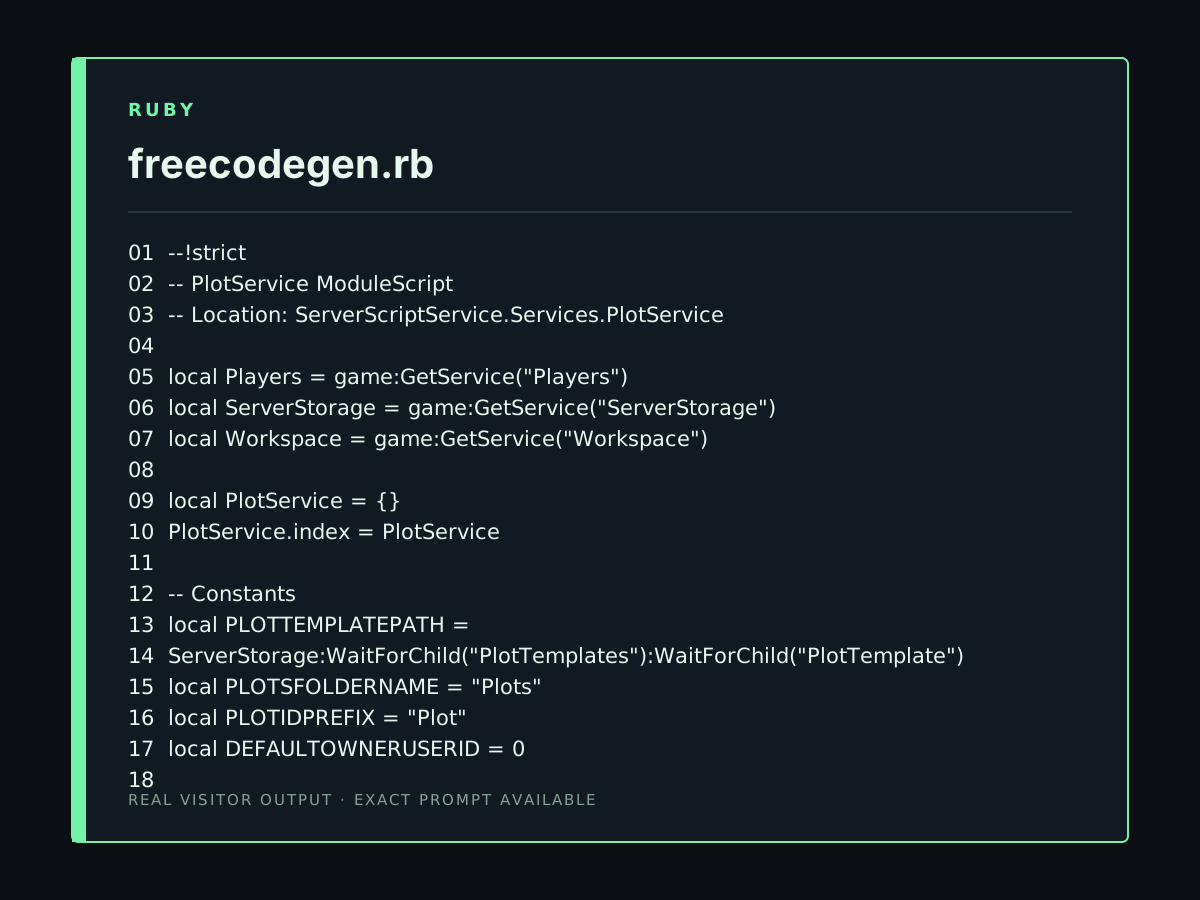
Create a clean, modular Roblox Luau `PlotService` ModuleScript. ### Existing structure ```text Workspace └── Plots ServerStorage └── PlotTemplates └── PlotTemplate ├── Ground ├── BuildArea └── Origin ServerScriptService └── Services └── PlotService ``` `PlotTemplate` is a Model. `Ground`, `BuildArea`, and `Origin` are Parts. ### Requirements The service must: * Clone `PlotTemplate` to create independent plots. * Store created plots in `Workspace.Plots`. * Generate unique IDs: `Plot_001`, `Plot_002`, etc. * Add Attributes: * `PlotId` * `OwnerUserId` (default `0`) * `Width` * `Depth` * Get `Width` and `Depth` from `Ground.Size`. * Support custom position, rotation, width, and depth when creating a plot. * Provide: * `CreatePlot(config)` * `DestroyPlot(plot)` * `GetPlot(plotId)` * `GetPlots()` * `SetOwner(plot, userId)` * `GetOwner(plot)` * `IsPointInside(plot, worldPosition)` * Use `Origin` as the conceptual local coordinate reference for future building systems. * Keep plot data independent and suitable for future copying, moving, resizing, saving, and loading. * Do not create UI, RemoteEvents, DataStores, economy, purchasing, buildings, walls, floors, furniture, or other systems yet. Use modern Luau, clean module architecture, validation, no global variables, and only standard Roblox APIs. Return the complete `PlotService` ModuleScript and a very short example showing how `Main` can create a plot.
Focused examples and prompt ideas
Start with the complete visitor wall above, then use these focused collections when you want a narrower subject and more prompt context.
The first curated collection is being prepared.