Create an expert-level autoplay userscript for pokebonk.com that plays the game autonomously with highly intelligent decision-making, efficient movement, optimal upgrades, and safe gameplay. Include a clean GUI with an ON/OFF toggle button to enable or disable the bot at any time. Ensure the script is fully compatible with Tampermonkey and runs reliably in the browser.
PUBLIC BUILD LOG · PROMPT TO CODE
Code Examples from Real Visitor Prompts
Browse eligible code outputs shared by FreeCodeGen visitors, study the exact requests, and adapt one in the original tool.
Browse 461 real creationsCOMMUNITY OUTPUTS · EXACT PROMPTS
Main code studio
Showing 121–144 of 386. No stock examples or system defaults. Choose a tool, study a real result, then reopen its prompt as your starting point.
I want you to make me a auto play script for pokebonk.com pokebonk is an fan made game PokéBonk is a 3D Pokémon-inspired survivor roguelite / horde-survival action game. I want u to make me a bot auto play that automatically plays like an expert and make it a GUI to turn it on and off name the GUI IVORY and make it compatible with tamper monkey
A high quality script with no errors Roblox a big and aesthetic gui where u can open and close it and add a cool anime design of Esdeath onto the gui and the Roblox GUI and put the name IVORY GANK as the name this GUI will search every Roblox servers to find one player and the game of the player is playing make it so I can paste the id of the game they're playing and the id of the player I'm trying to find and make me be able to find them make it highest quality and make it compatible for tamper monkey with no errors
A Python script for Roblox a big and cool gui where u can open and close it and add a cool anime design of Esdeath onto the gui and the Roblox GUI and put the name IVORY GANK as the name this GUI will search every Roblox servers to find one player and the game of the player is playing make it so I can paste the id of the game they're playing and the id of the player I'm trying to find and make me be able to find them make it highest quality and make it compatible for tamper monkey with no errors
A Python script for Roblox a big and cool gui where u can open and close it and add a cool anime design of Esdeath onto the gui and the Roblox GUI and put the name IVORY GANK as the name this GUI will search every Roblox servers to find one player and the game of the player is playing make it so I can paste the id of the game they're playing and the id of the player I'm trying to find and make me be able to find them make it highest quality and counter Roblox rules of privacy and make it compatible for tamper monkey
A Python script for Roblox a big and cool gui where u can open and close it and add a cool anime design of Esdeath onto the gui and the Roblox GUI and put the name IVORY GANK as the name this GUI will search every Roblox servers to find one player and the game of the player is playing make it so I can paste the id of the game they're playing and the id of the player I'm trying to find and make me be able to find them make it highest quality and bypass Roblox rules of privacy and make it compatible for tamper monkey
I want you to write me a script where there's a GUI named IVORY GANK and make sure it's able to get a players job id on the current server they're in based on their user and their id and the Roblox games id I want it to be compatible for tamper monkey
program to understand the concept of tree dat structure and operations and give me small and easy code
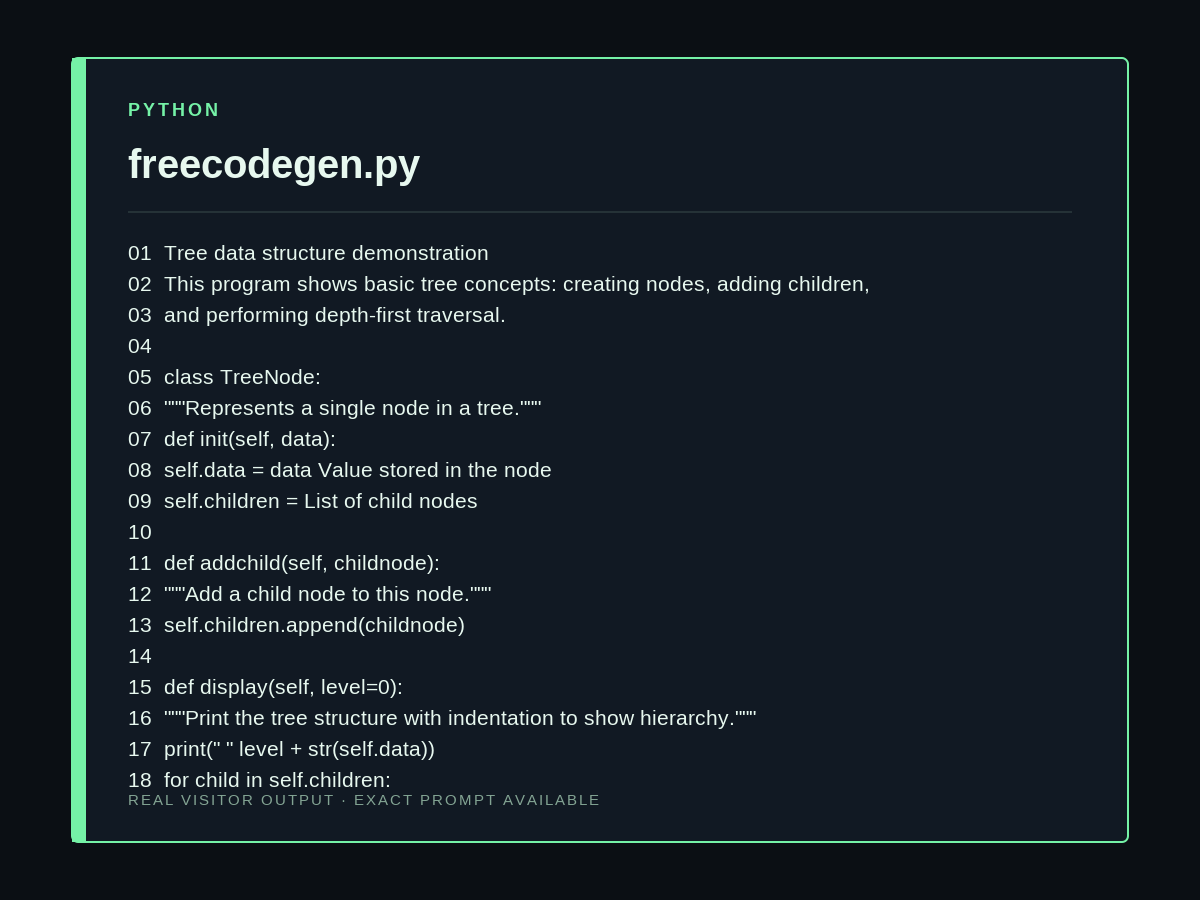
program to understand the concept of tree dat structure and operations
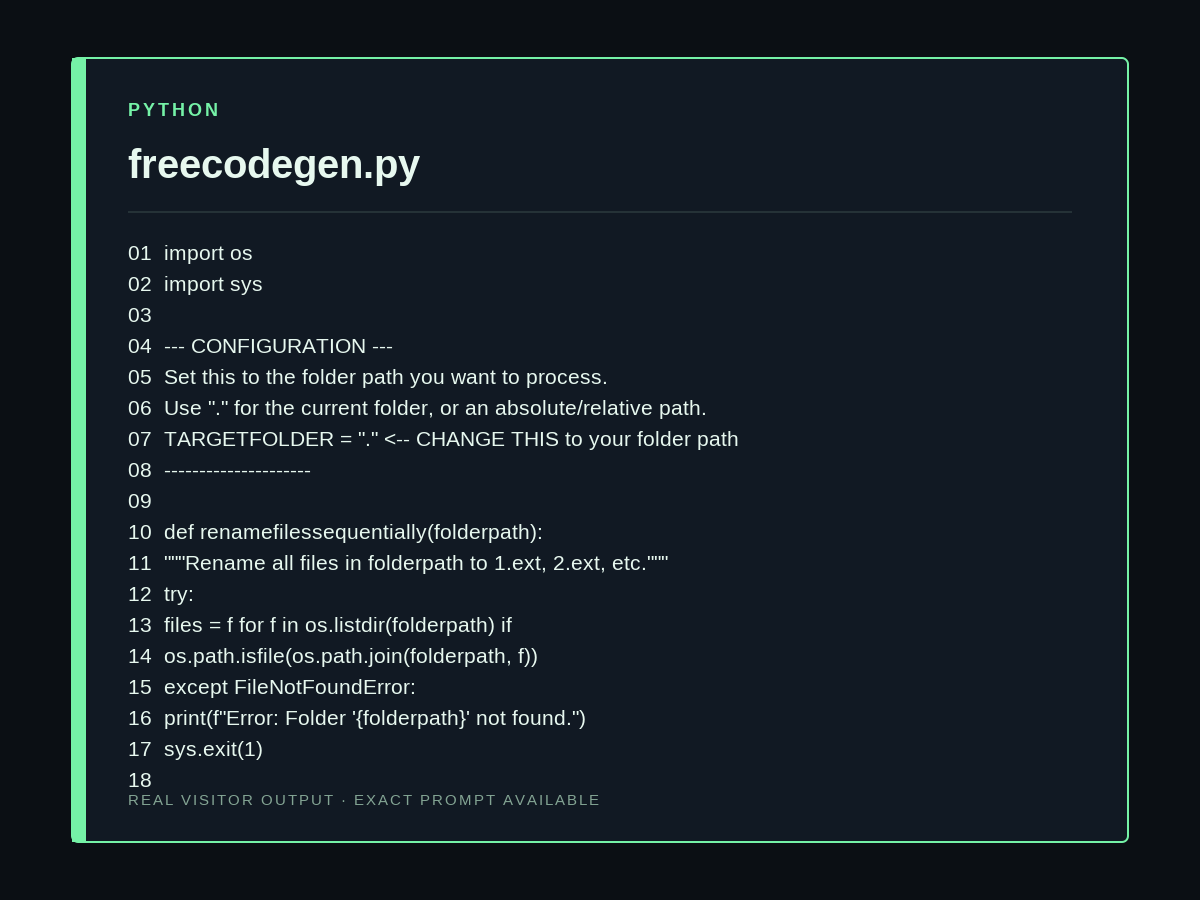
A Python script that renames every file in a folder to a sequential number, keeping the extension
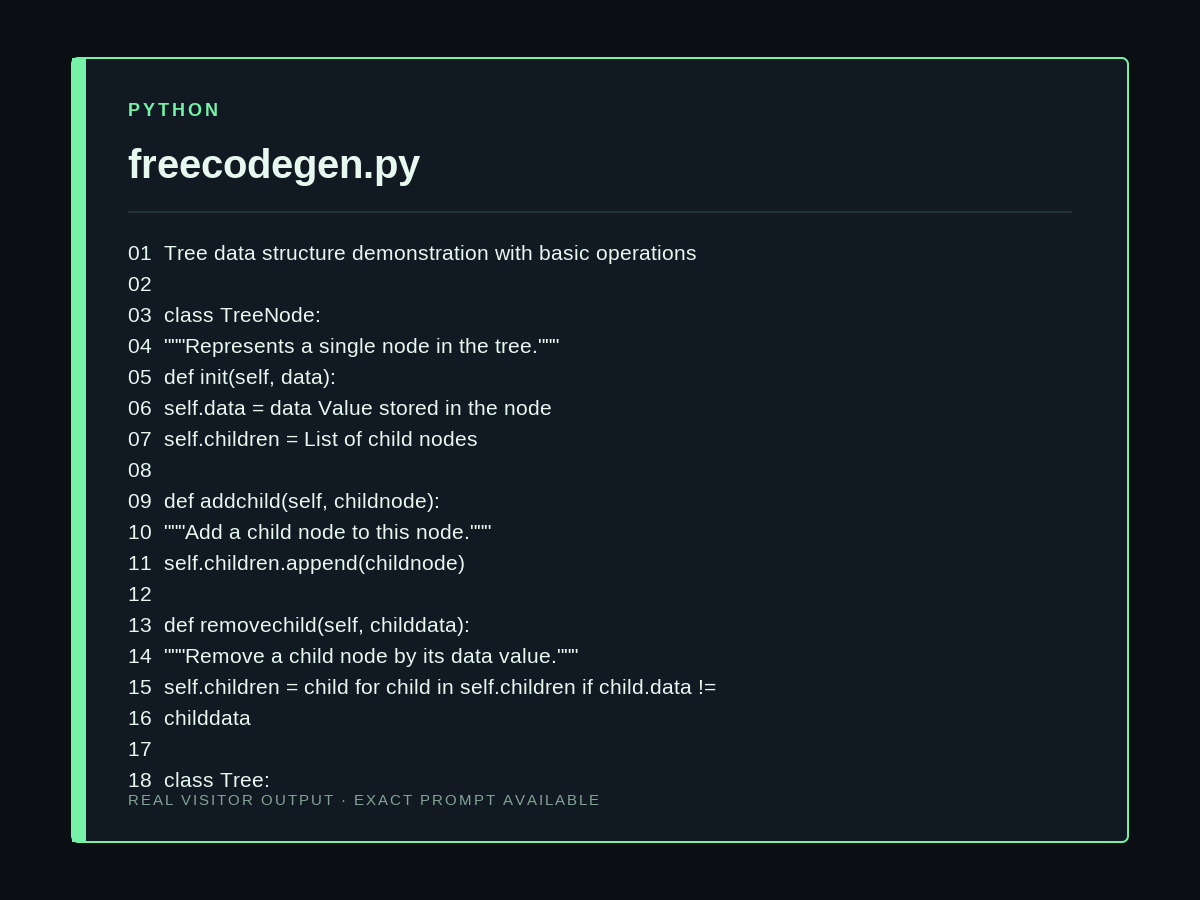
program to understand the concept of tree data structure and operation
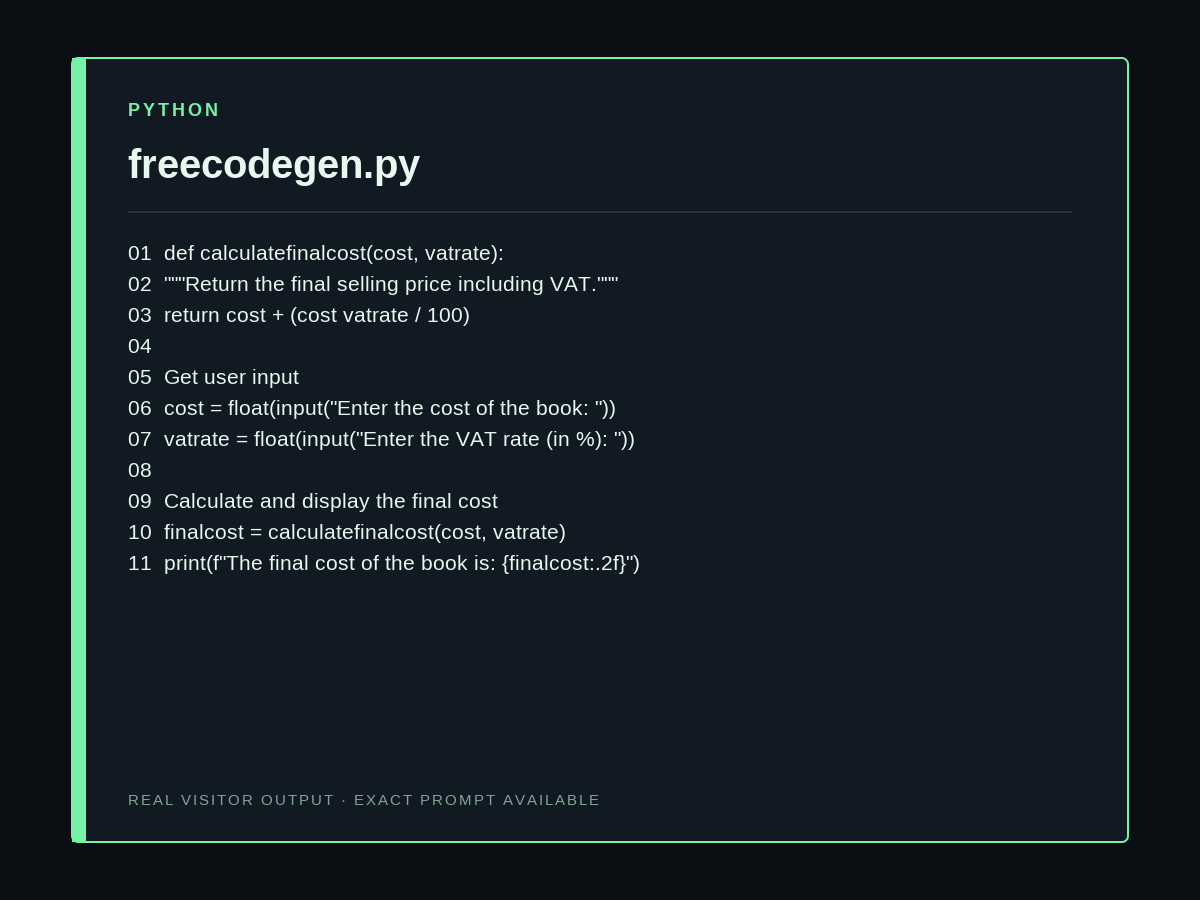
Exercise 1 - Apply Scenario: Online Bookstore Imagine you own an online bookstore that sells a wide range of books. To simplify the purchasing process for your customers, you need to display the total cost of each book including the VAT amount Implement the following steps: Define a Python function named calculate_final_cost that computes the final selling price of a book with VAT included. The function takes the cost and VAT rate (in percentage) as input, then calculates and returns the final cost. The formula to calculate the final cost is: final cost = cost + (cost * VAT rate/100) Prompt the user to enter the cost and VAT rate. Call the function calculate_final_cost using the entered values as arguments. Print the calculated final cost. Use the sample run below to guide you when writing the code:
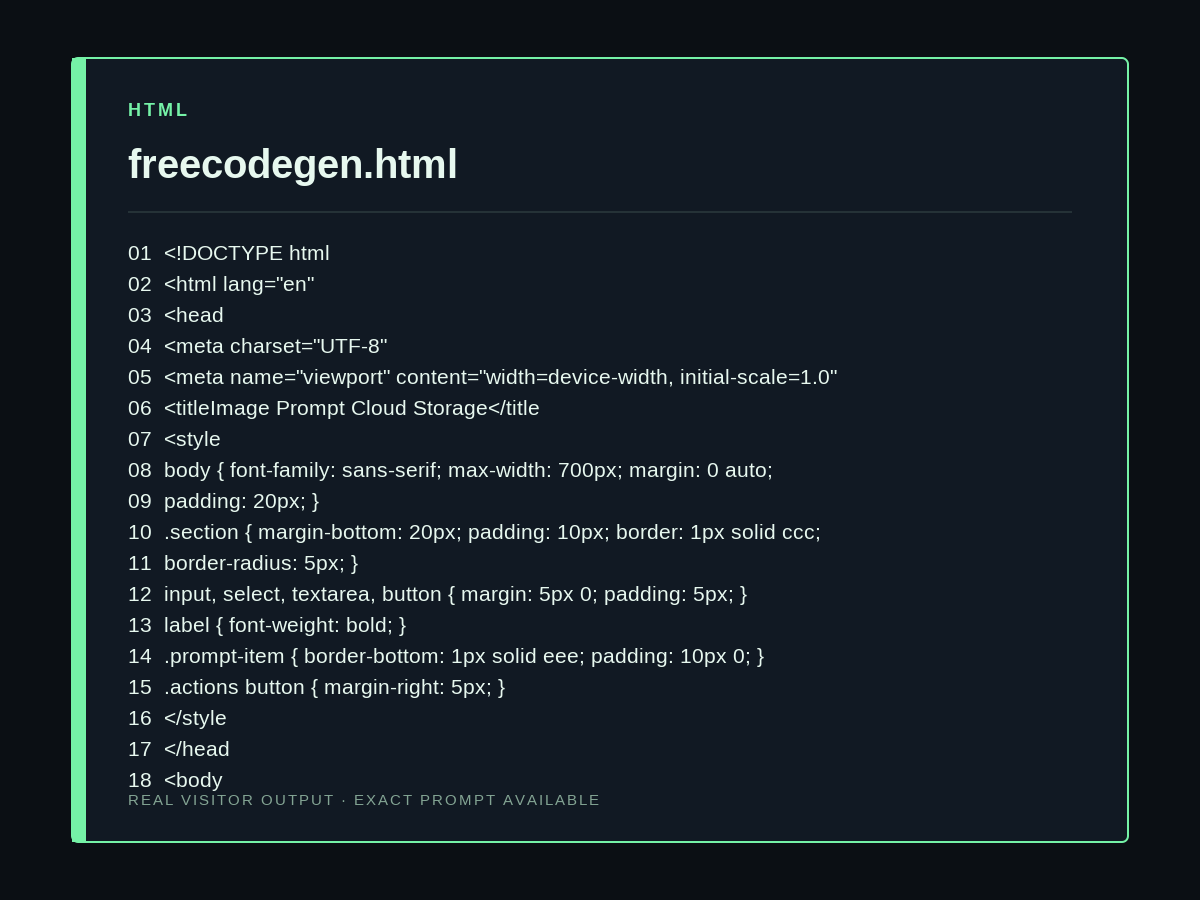
create a index.html file and also create a image prompts.sqlite3 file of without any logins/signups, don't import any sample image prompts into this index.html file, with write to this sqlite file, without any app.py files, without any server.py files, image prompt cloud storage called Image Prompt Cloud Storage, with add 2 categories, History, News, with insert image prompts, with save image prompts, with edit image prompts, with add filters a-z, and delete image prompts option
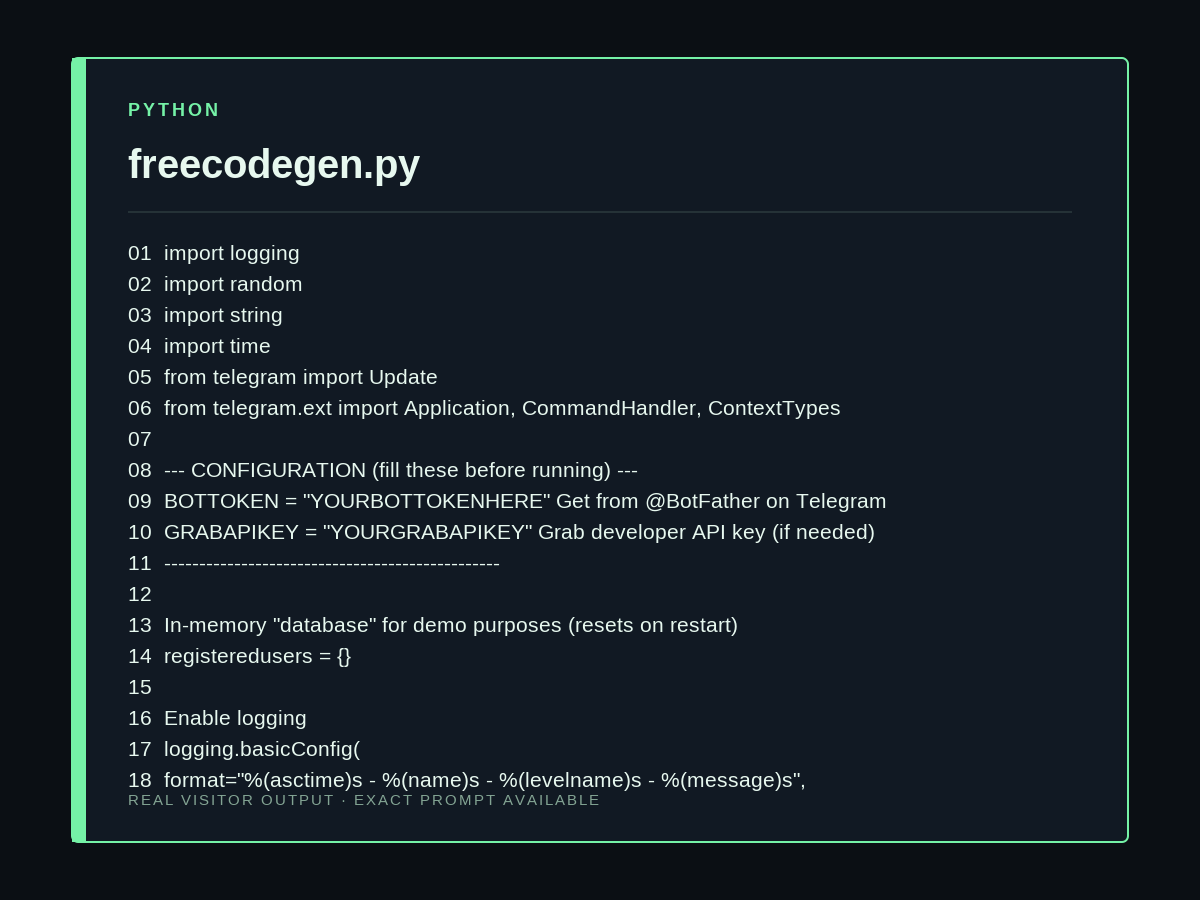
Saya ingin buat script daftar akun grab lewat bot TELEGRAM
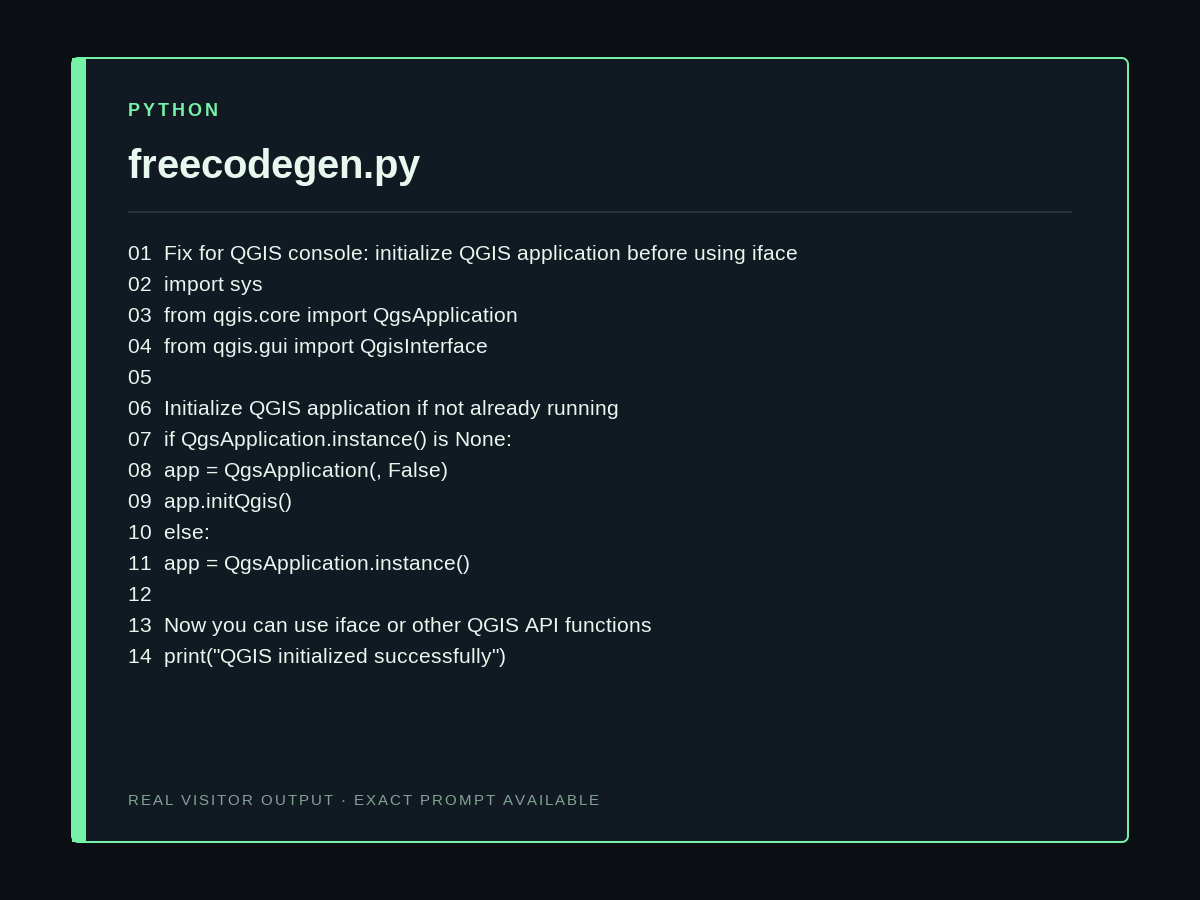
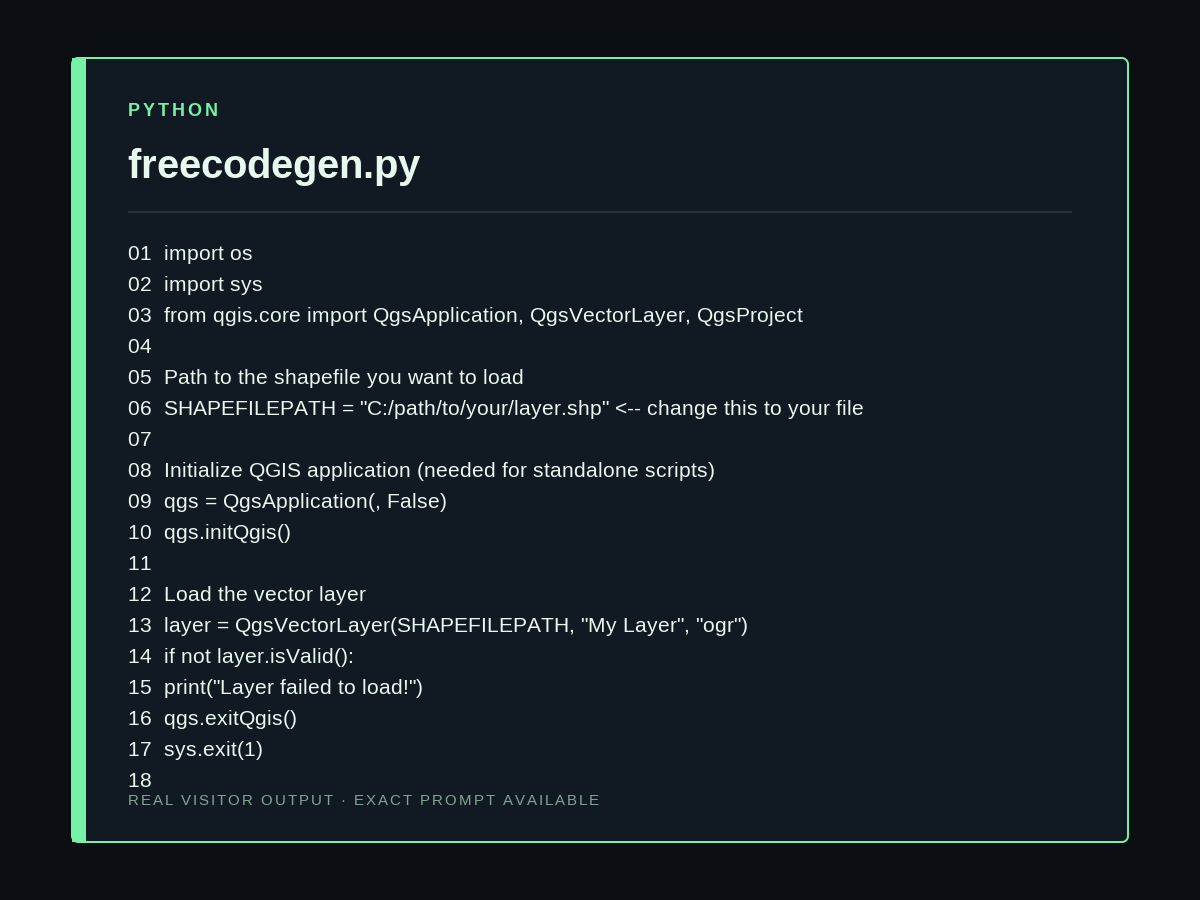
Error: # Python Console # Use iface to access QGIS API interface or type '?' for more info # Security warning: typing commands from an untrusted source can harm your computer exec(compile(Path('C:/Users/luthe/AppData/Local/Temp/tmp4aj2r0q7').read_text(), 'Untitled-0', 'exec')) Traceback (most recent call last): File "<input>", line 1, in <module> File "Untitled-0", line 7, in <module> NameError: name '_qgis_app_init_qgis' is not defined
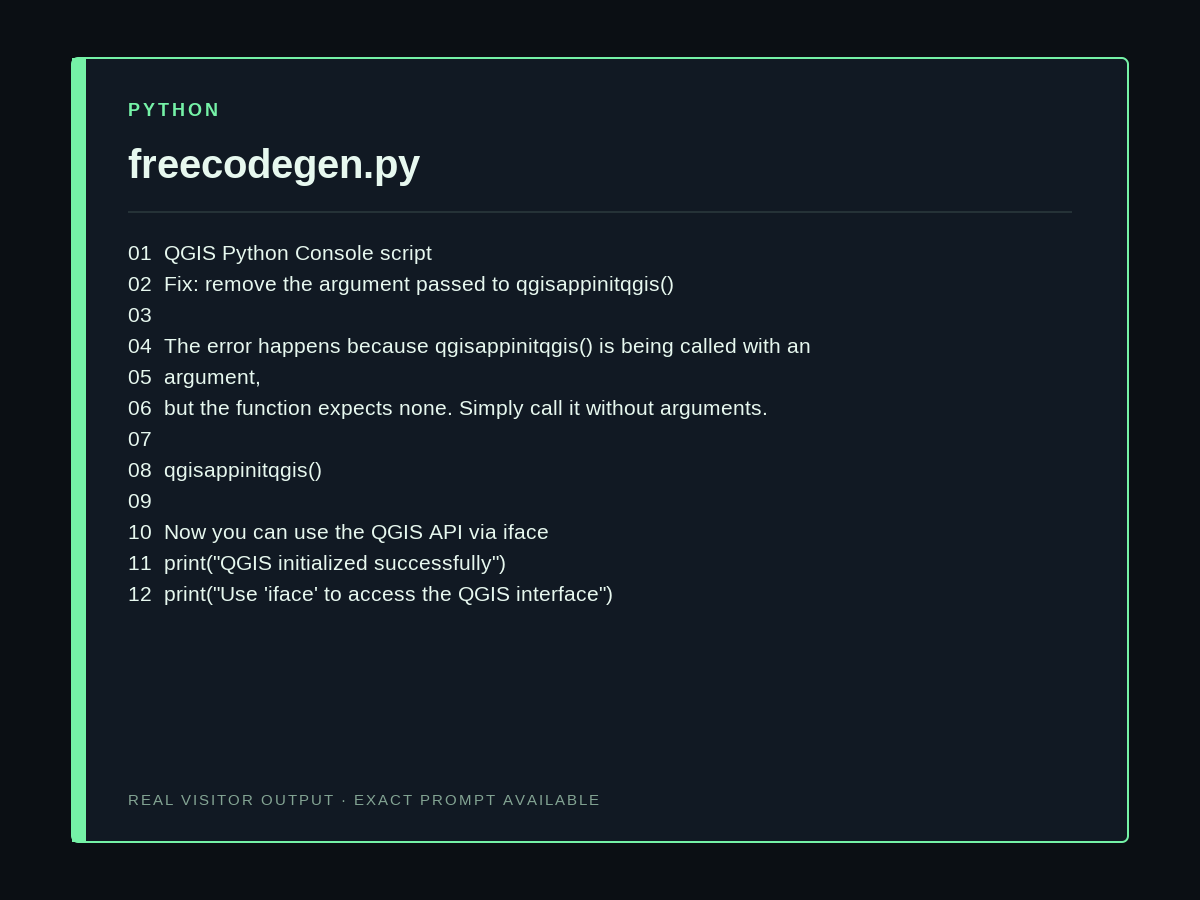
This is no working! "# Python Console # Use iface to access QGIS API interface or type '?' for more info # Security warning: typing commands from an untrusted source can harm your computer exec(compile(Path('C:/Users/luthe/AppData/Local/Temp/tmpqe7pqpye').read_text(), 'Untitled-0', 'exec')) Traceback (most recent call last): File "<input>", line 1, in <module> File "Untitled-0", line 10, in <module> TypeError: _qgis_app_init_qgis() takes 0 positional arguments but 1 was given"
Status: "# Python Console # Use iface to access QGIS API interface or type '?' for more info # Security warning: typing commands from an untrusted source can harm your computer exec(compile(Path('C:/Users/luthe/AppData/Local/Temp/tmpr2mywace').read_text(), 'Untitled-0', 'exec')) Layer saved successfully!"
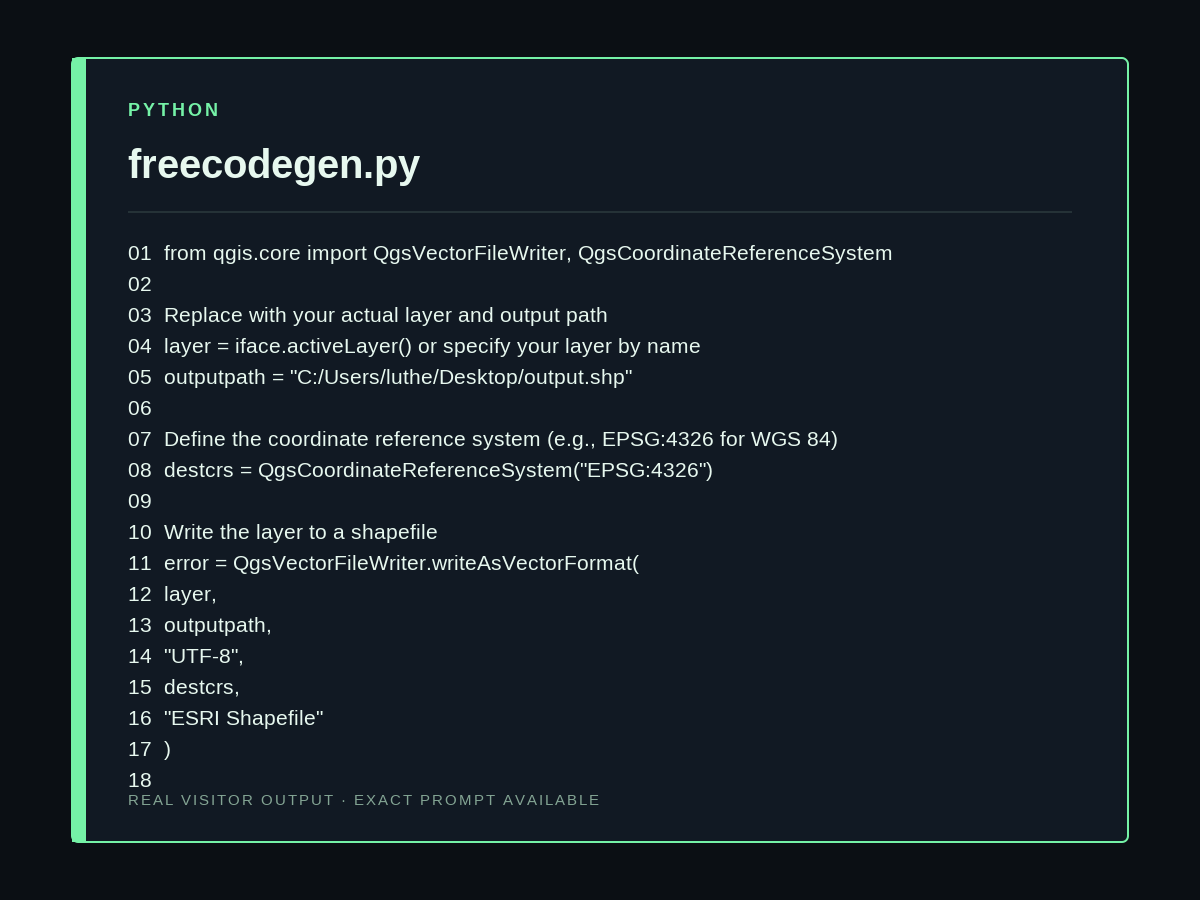
Fix this: "# Python Console # Use iface to access QGIS API interface or type '?' for more info # Security warning: typing commands from an untrusted source can harm your computer exec(compile(Path('C:/Users/luthe/AppData/Local/Temp/tmptaf57q2e').read_text(), 'Untitled-0', 'exec')) Traceback (most recent call last): File "<input>", line 1, in <module> File "Untitled-0", line 35, in <module> TypeError: QgsVectorFileWriter.writeAsVectorFormat(): arguments did not match any overloaded call: overload 1: 'actionOnExistingFile' is not a valid keyword argument overload 2: 'destCRS' is not a valid keyword argument overload 3: 'fileEncoding' is not a valid keyword argument"
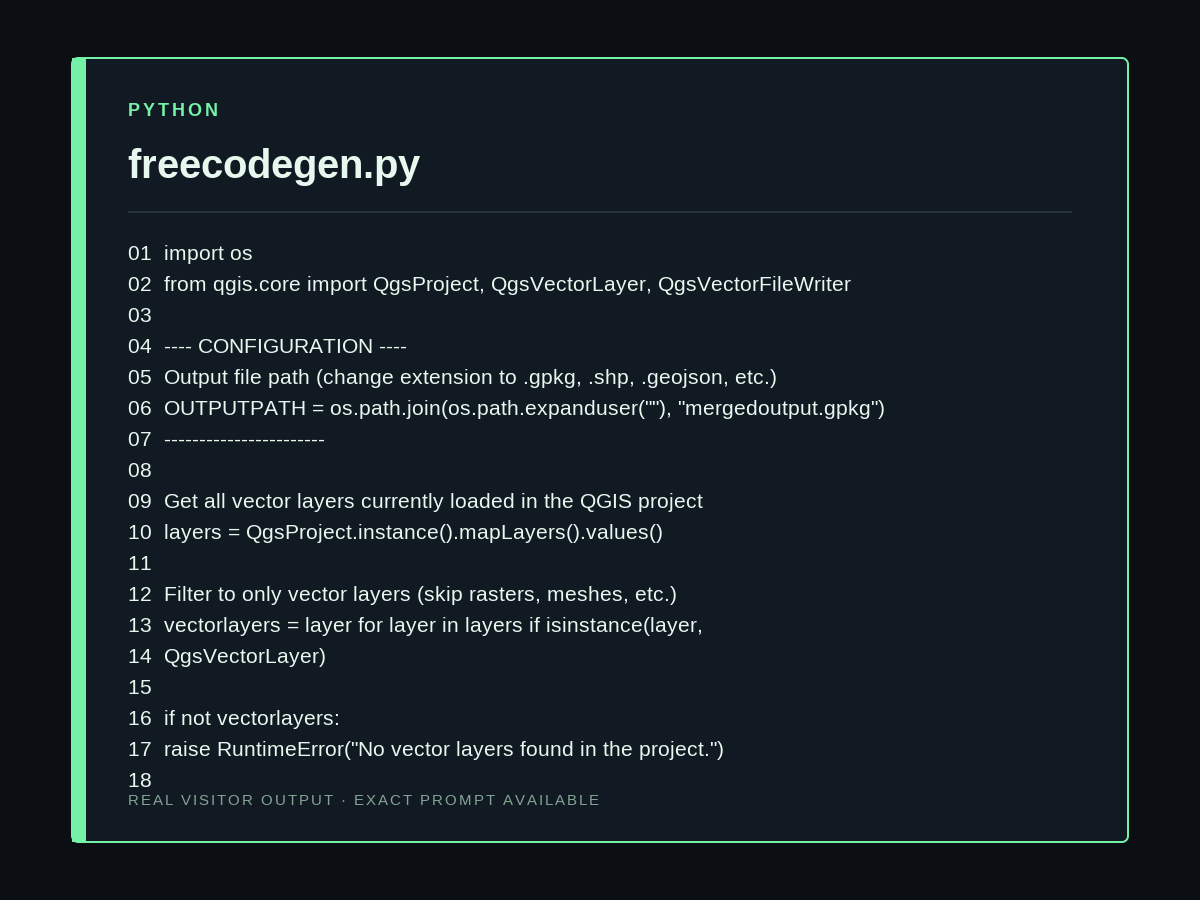
Provide me an accurate QGIS python scripts that merge all GIS layers with the layers panel.
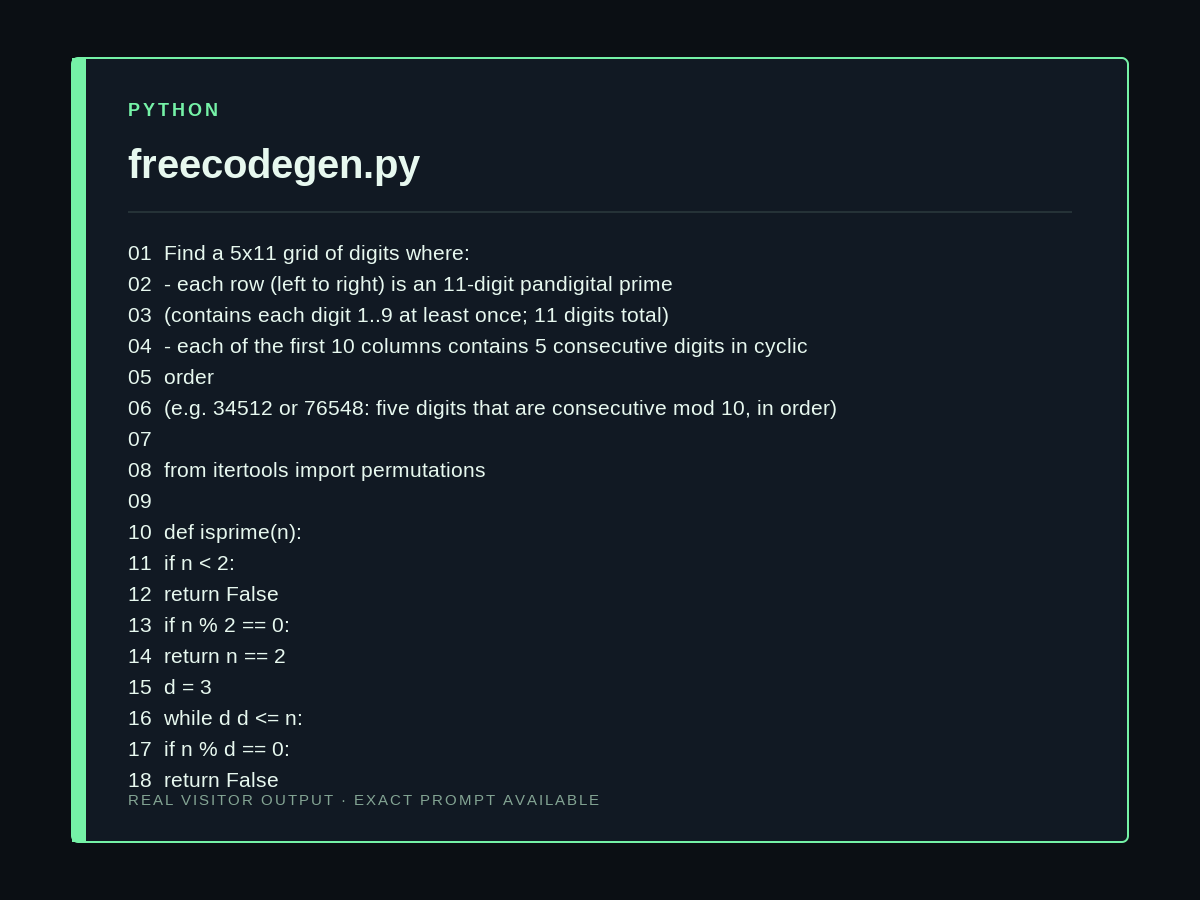
Find a 5×11 array of decimal digits such that each row, reading left to right is an 11-digit pandigital prime, and each of the first 10 columns contains 5 consecutive digits in cyclic order, such as 34512 or 76548.
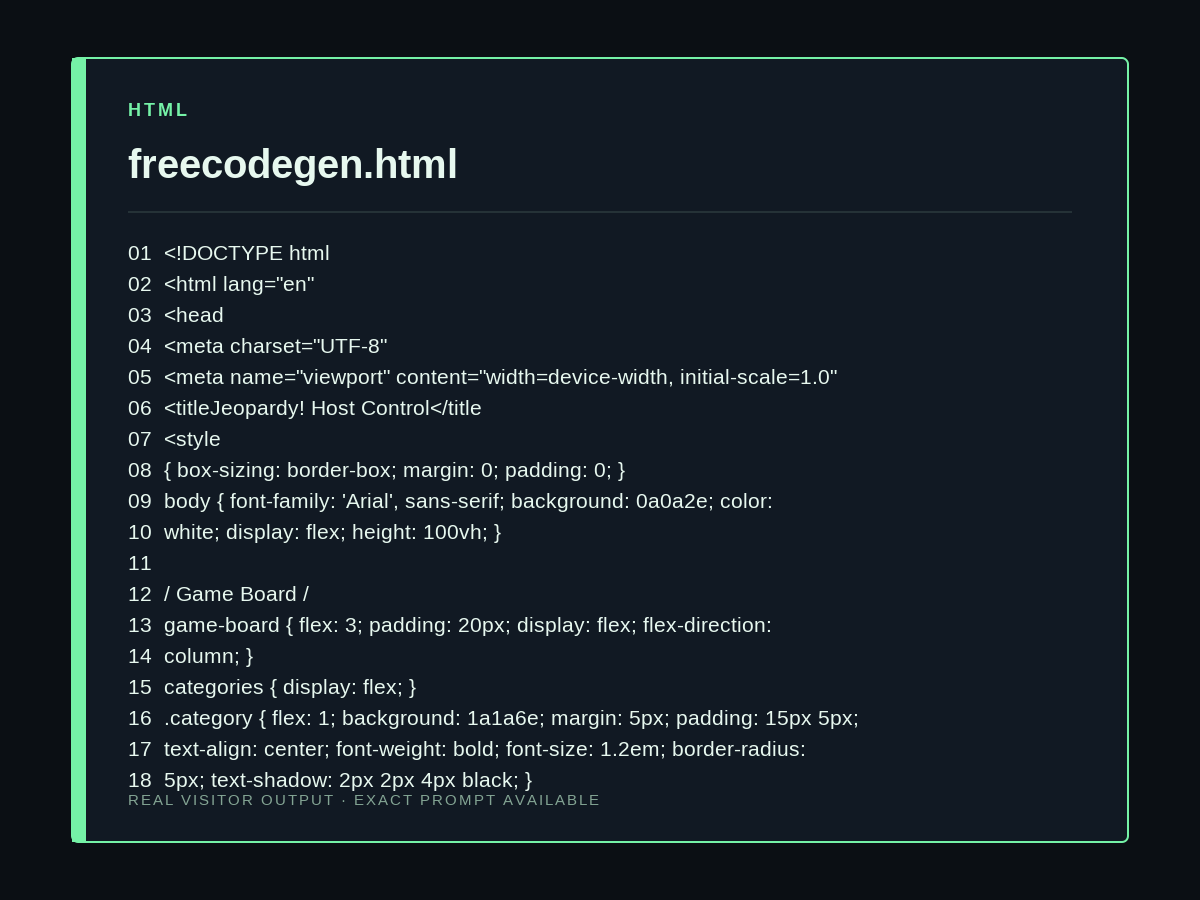
Create a fully interactive, playable Jeopardy! game that I can control as the host. I want it modeled on the traditional Jeopardy television game format, with the exception that it will have ONLY ONE JEOPARDY ROUND followed by FINAL JEOPARDY. Do NOT include Double Jeopardy. 1. GAME BOARD - Create a classic blue Jeopardy-style game board. - Include 5 customizable categories across the top. - Each category must have 5 questions. - The dollar values must be exactly: - $200 - $400 - $600 - $800 - $1,000 - Total of 25 questions. - Each dollar value must be displayed in large, easy-to-read gold lettering. - When a question is selected, remove or disable that dollar-value square after it has been played. 2. PLAYER MANAGEMENT - Allow me to add as many players as I want. - Allow me to enter and edit each player's name. - Show all player names and their scores on the game screen. - Clearly highlight the player whose turn it is. - Allow me to manually select which player gets to answer. - Allow me to add or subtract points manually if needed. 3. QUESTION AND ANSWER SYSTEM When I click a dollar value: - Display the clue prominently in the center of the screen. - Provide a button to reveal the correct answer. - Provide a button for CORRECT ANSWER. - Provide a button for INCORRECT ANSWER. - Correct answers add the question's dollar value to the player's score. - Incorrect answers subtract the question's dollar value. - Allow me to award or deduct points manually. - Allow me to close the question and return to the board. - Only allow each question to be played once. 4. HOST CONTROL PANEL Create a separate host control
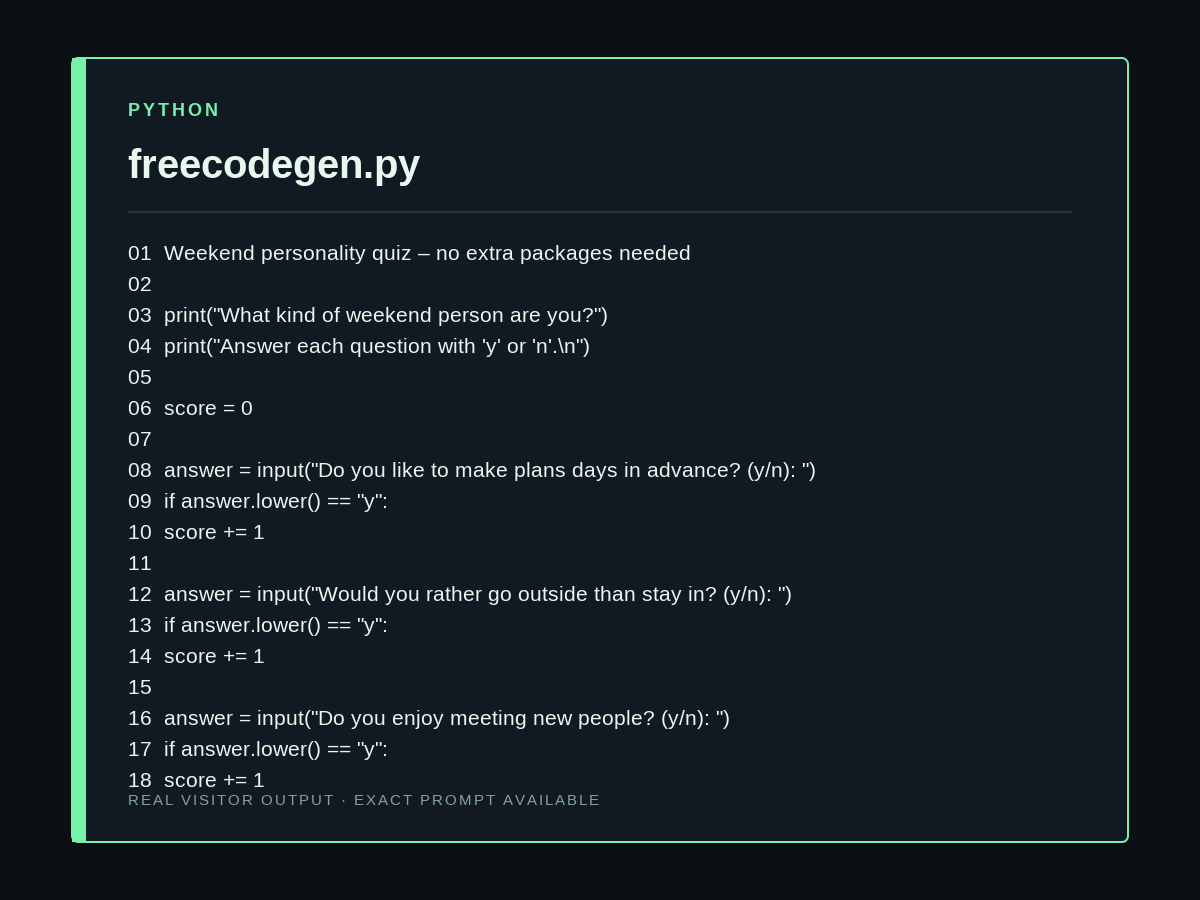
print("What kind of weekend person are you?") print("Answer each question with 'y' or 'n'.\n") score = 0 answer = input("Do you like to make plans days in advance? (y/n): ") if answer.lower() == "y": score += 1 answer = input("Would you rather go outside than stay in? (y/n): ") if answer.lower() == "y": score += 1 answer = input("Do you enjoy meeting new people? (y/n): ") if answer.lower() == "y": score += 1 answer = input("Do you get bored if you sit still for too long? (y/n): ") if answer.lower() == "y": score += 1 answer = input("Would you say yes to a spontaneous road trip? (y/n): ") if answer.lower() == "y": score += 1 print("\nYour score:", score, "out of 5") if score == 5: print("The Adventurer: You're out the door before the sun is up!") elif score >= 3: print("The Social Butterfly: You like a mix of plans and fun.") elif score >= 1: print("The Balanced Soul: You enjoy a little outing and a lot of relaxing.") else: print("The Homebody: Blankets, snacks, and a good show. Perfect.")
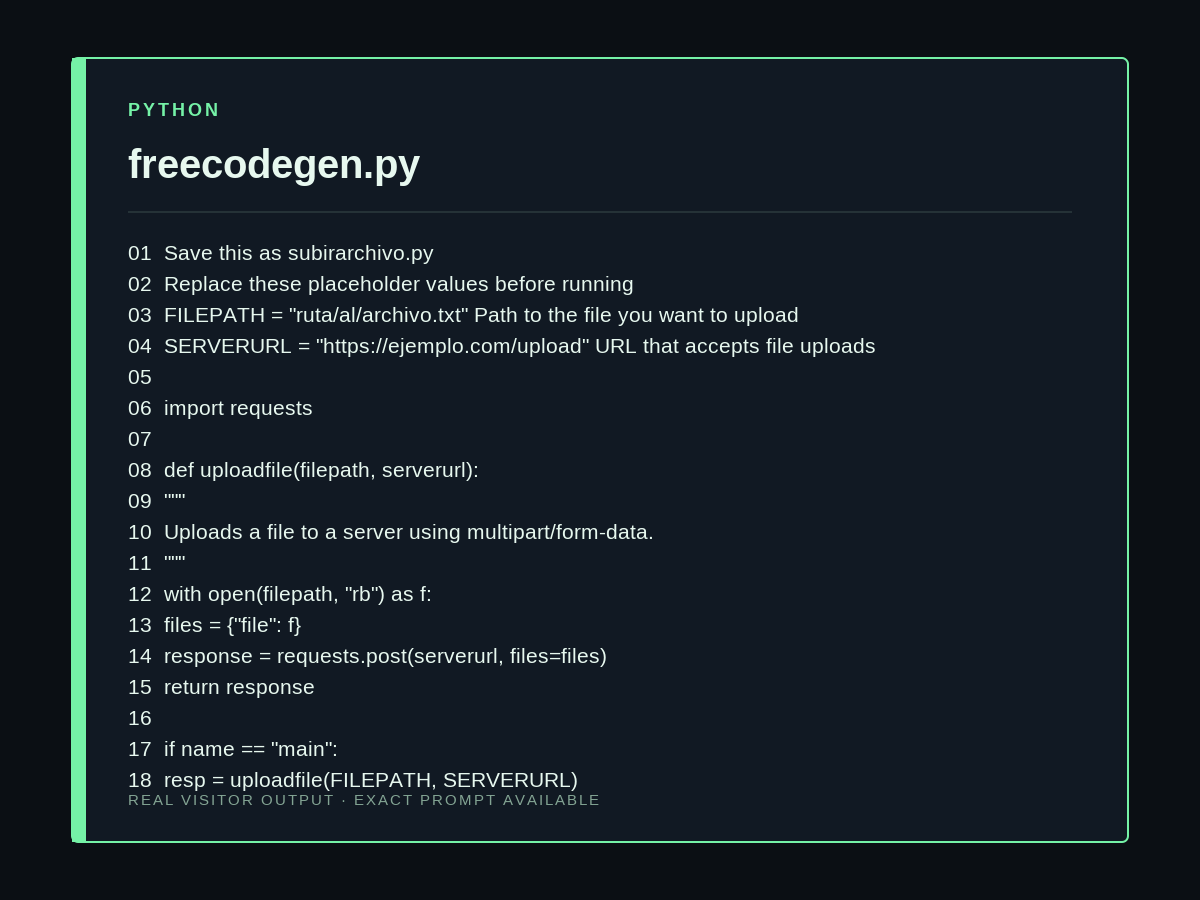
como te subo un archivo
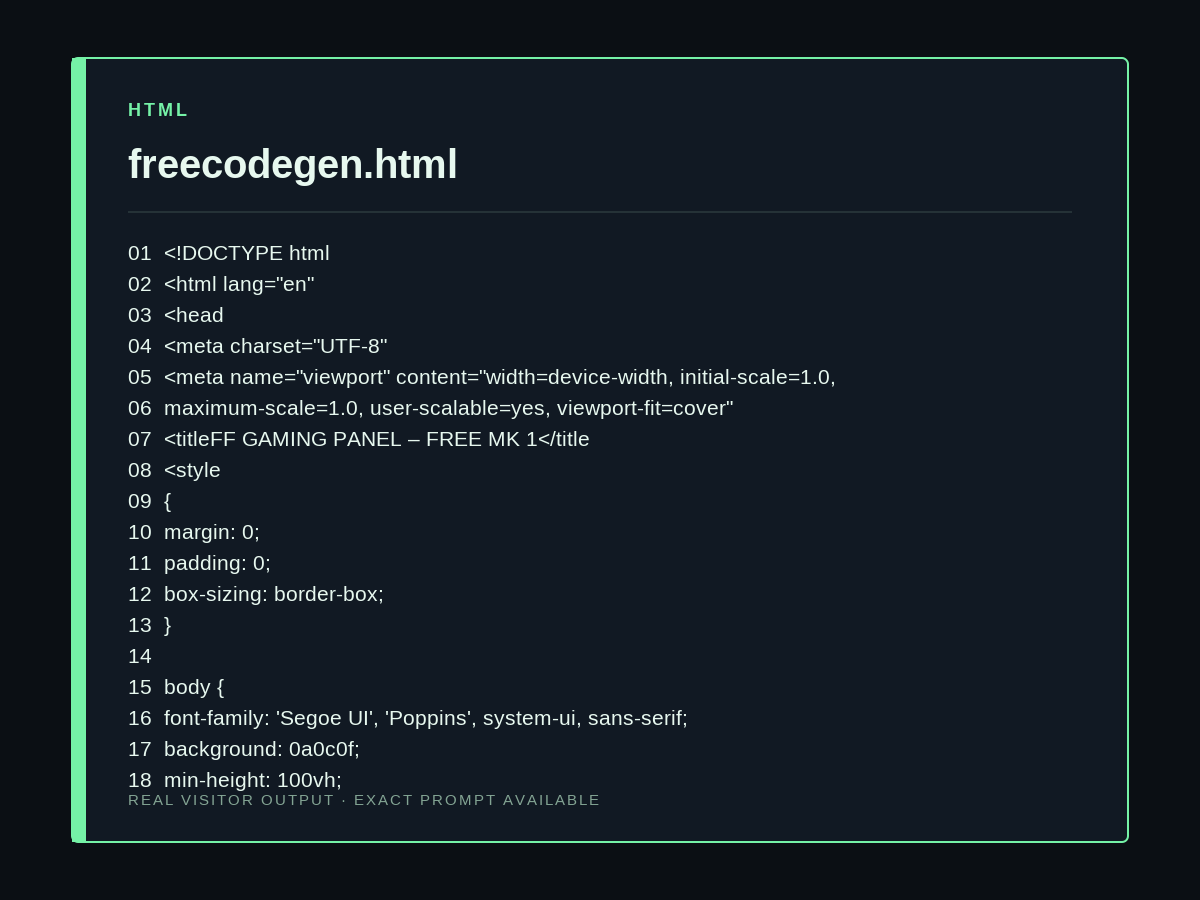
Tạo một dự án hoàn chỉnh tên **FF GAMING PANEL – FREE MK 1**. YÊU CẦU: 1. Tạo giao diện panel Free Fire phong cách gaming, màu đen, xanh neon, có hiệu ứng đẹp và mượt. 2. Có màn hình đăng nhập trước khi sử dụng. 3. Tên đăng nhập bắt buộc: `FREE MK 1`. 4. Sai tên thì không cho vào panel. 5. Hỗ trợ giao diện desktop và màn hình điện thoại. 6. Tạo các mục: - AIM TRAINING: luyện tập ngắm bắn. - SENSITIVITY: tùy chỉnh độ nhạy. - DPI SETTINGS: tham khảo DPI. - FPS OPTIMIZATION: hướng Hãy tiếp tục hoàn thiện mã nguồn HTML tôi vừa gửi. Yêu cầu: - Giữ nguyên giao diện và phong cách ban đầu. - Kiểm tra và sửa toàn bộ lỗi HTML, CSS, JavaScript. - Hoàn thiện tất cả các modal và chức năng. - Đăng nhập bắt buộc bằng tên FREE MK 1. - Các nút AIM TRAINING, SENSITIVITY, DPI SETTINGS, FPS OPTIMIZATION, HUD SETTINGS phải hoạt động đúng chức năng đã mô tả. - Có SAVE CONFIG, RESET và lưu LocalStorage. - Không được để mã nguồn bị cắt giữa chừng. - Tạo file index.html hoàn chỉnh. - Xuất thêm file ZIP chứa dự án. - Cung cấp liên kết tải trực tiếp cả hai file. - Phải tạo file thực tế, không chỉ in mã nguồn ra màn hình.